FiiO - KA13
Portable USB DAC & Amp
₹ 5,999
Inclusive of all taxes
DELIVERY
Dispatches in 48 hours
RETURNS & WARRANTY
7 Day Replacement Guarantee
1 Year Warranty
FiiO Introduces The Upgraded Version Of The KA3 DAC And Amp - THE KA13
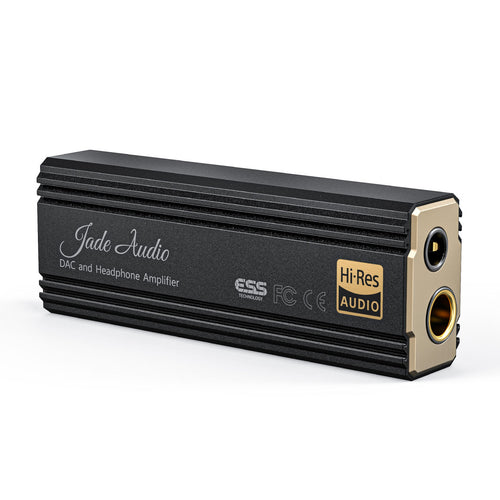
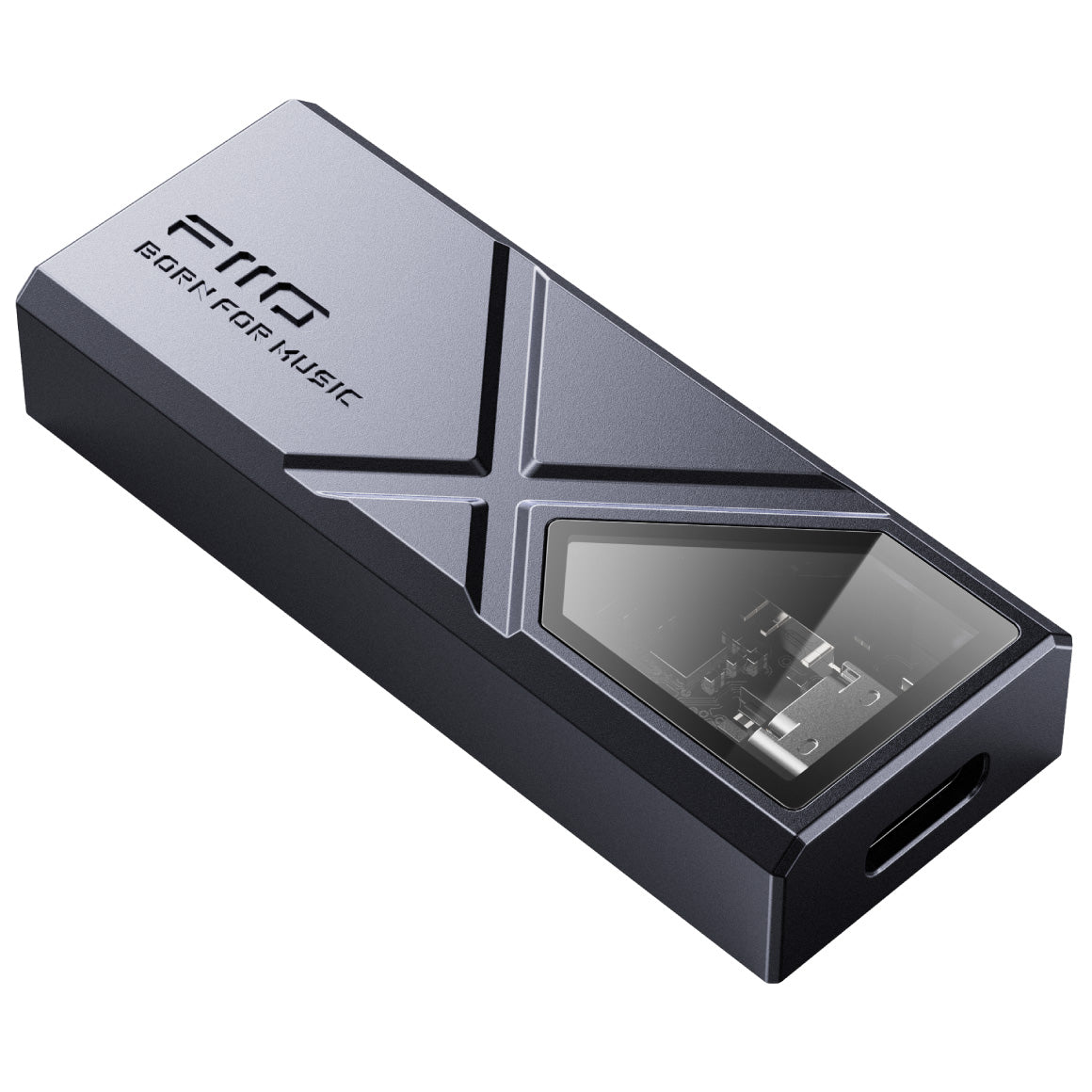
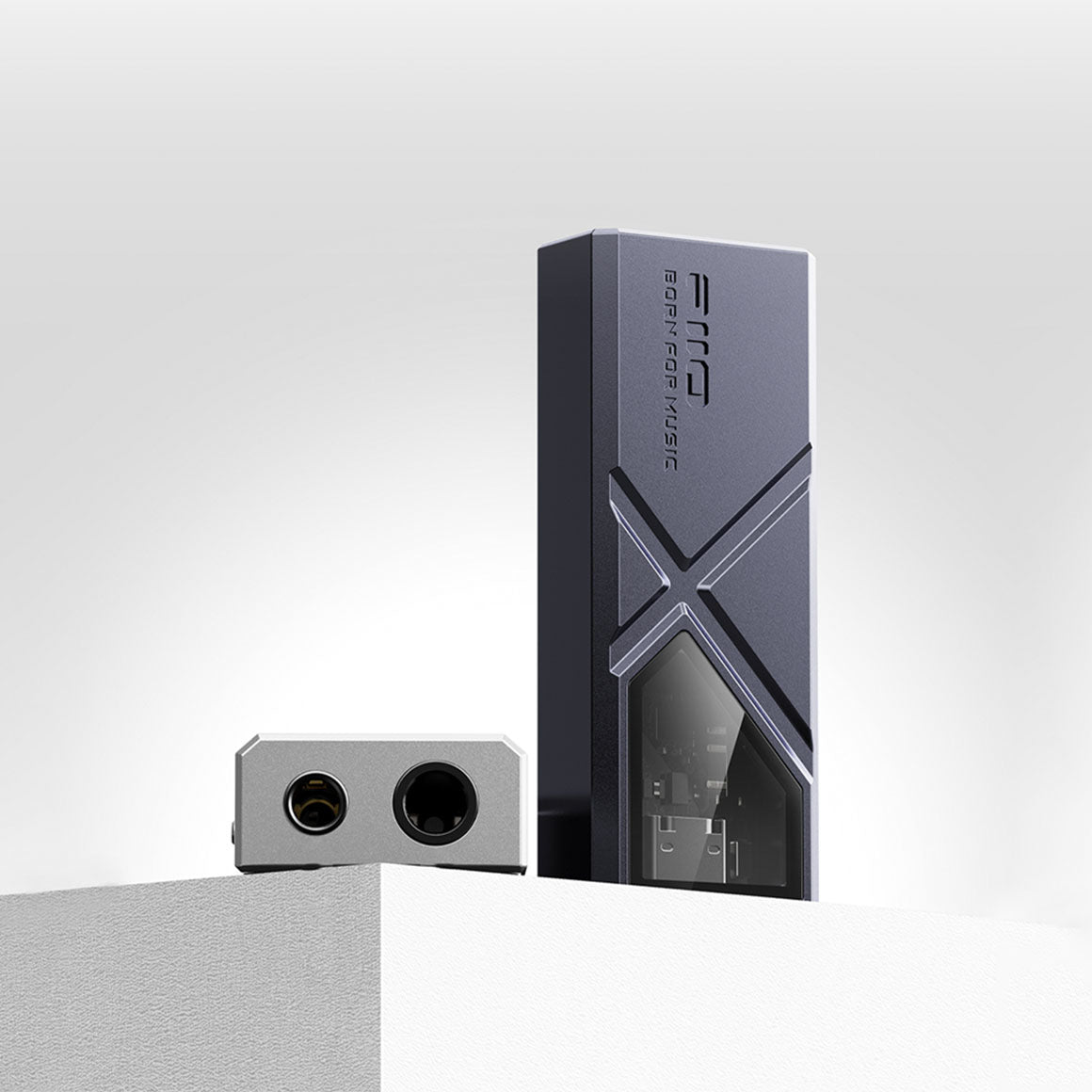
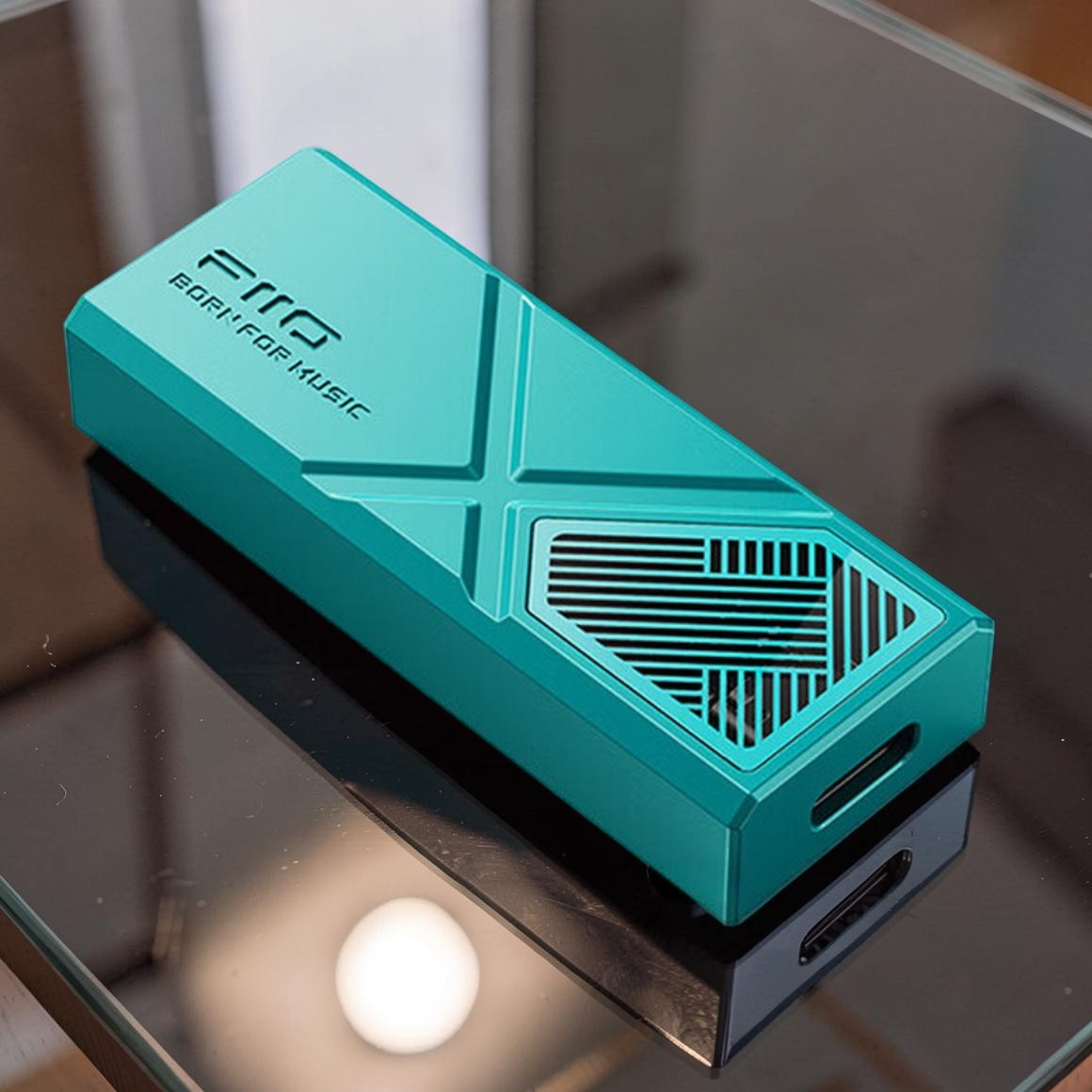
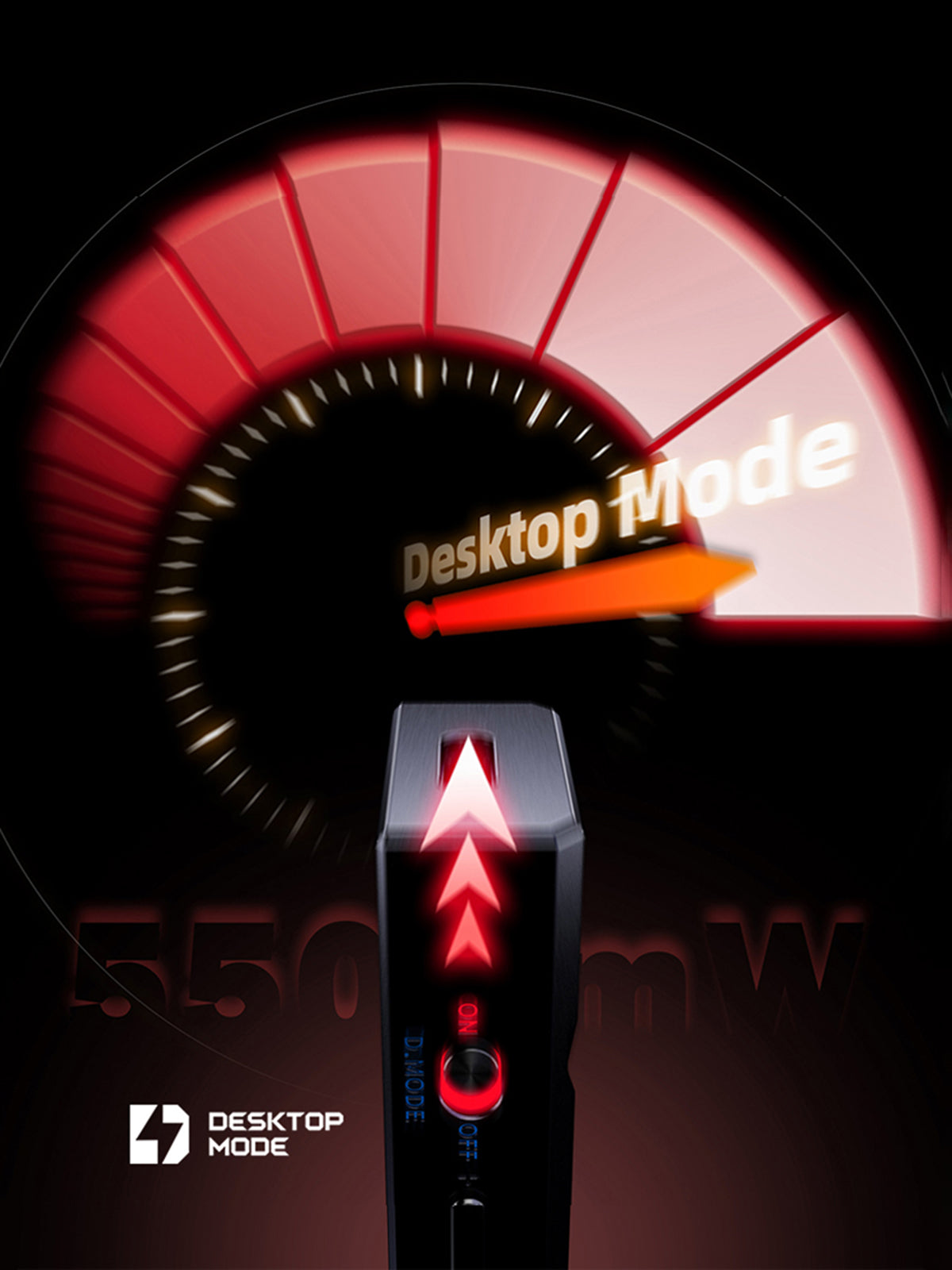
After almost two years of refinement, the FiiO KA3 has transformed into the KA13, now functioning as a mini desktop-class DAC and headphone amplifier. This upgraded version integrates a new design, advanced technology, and robust performance into a single device. FiiO's focus on versatility is evident in the KA13, which aims to provide users with a comprehensive USB dongle for a range of high-quality audio experiences. The FiiO x Jade Audio KA13 is a portable USB DAC/AMP with enhanced audio circuitry, featuring desktop-grade amplification that effortlessly drives IEMs and headphones with a solid output of up to 🚀 550mW. It incorporates a high-performance Dual DAC chipset with ⚙️ two CS43131 DAC chips for crystal-clear decoding of high-resolution PCM and DSD audio signals. With an exquisite build and an exclusive ambient light display window, the FiiO x Jade Audio KA13 enhances your music enjoyment.
Features Dual-DAC Arrangement For Hi-Res Sound
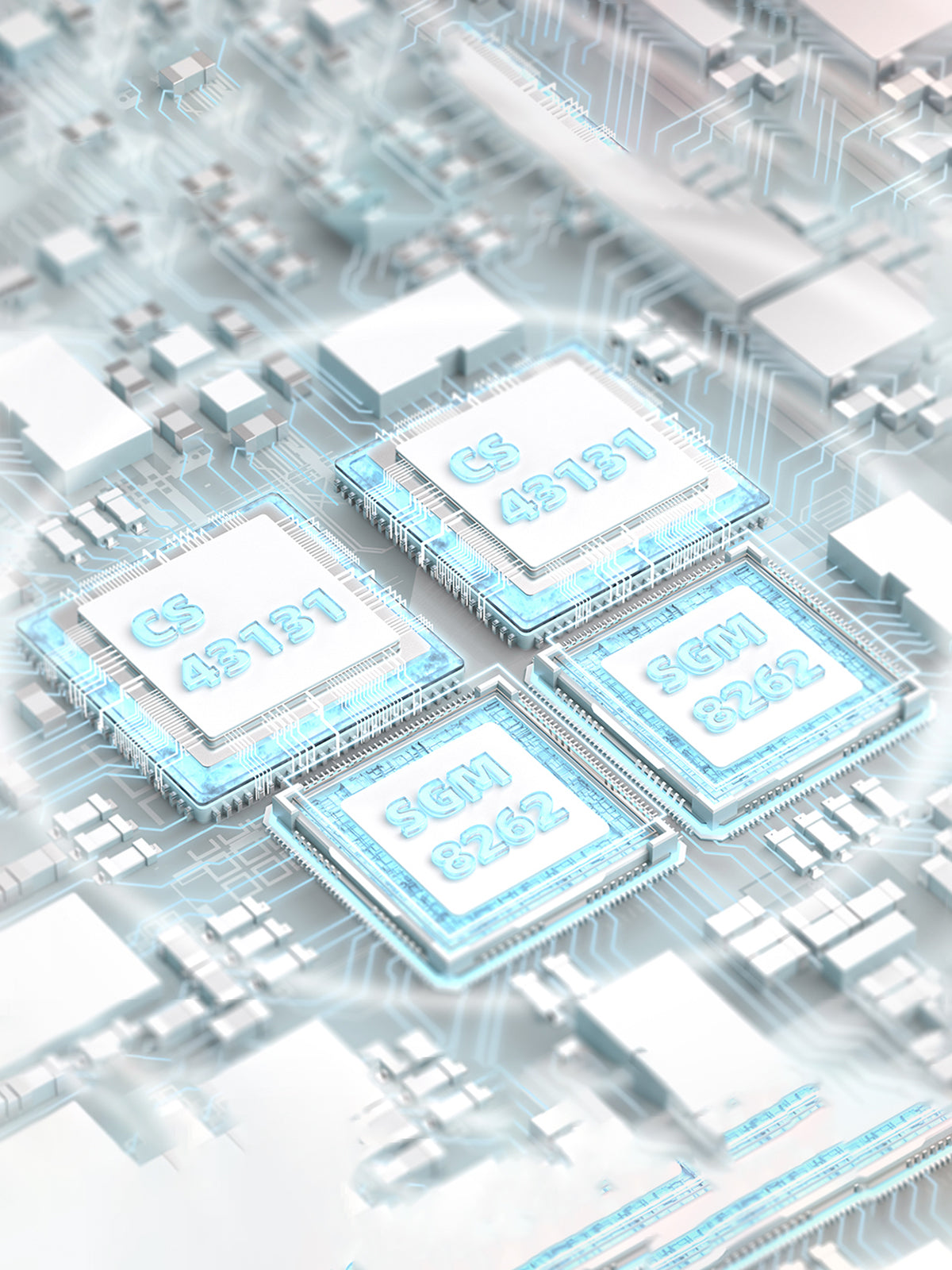
The FiiO KA13 ensures crystal-clear decoding of Hi-Res sound signals, featuring a premium dual DAC chipset with ⚙️ dual CS43131 32-bit DAC chips. With full support for decoding high-resolution PCM (32-bit/384kHz) and Native DSD256 audio signals, the KA13 takes your audio experience to new heights.
Desktop-Grade Amplification Stage For High-Performance
FiiO KA13 is embedded with a portable DAC that incorporates a mini desktop-class amplifier, housing dual 8262 high-power OPAMPs that deliver a robust output of up to 🚀 550mW, effortlessly powering most IEMs and even some power-demanding headphones. The two low-noise SGM8262 op-amps in this "dual-core" configuration ensure exceptional performance, allowing you to rediscover your music collection with newfound details.
Features Dual Headphone Output For Audiophiles and Professionals
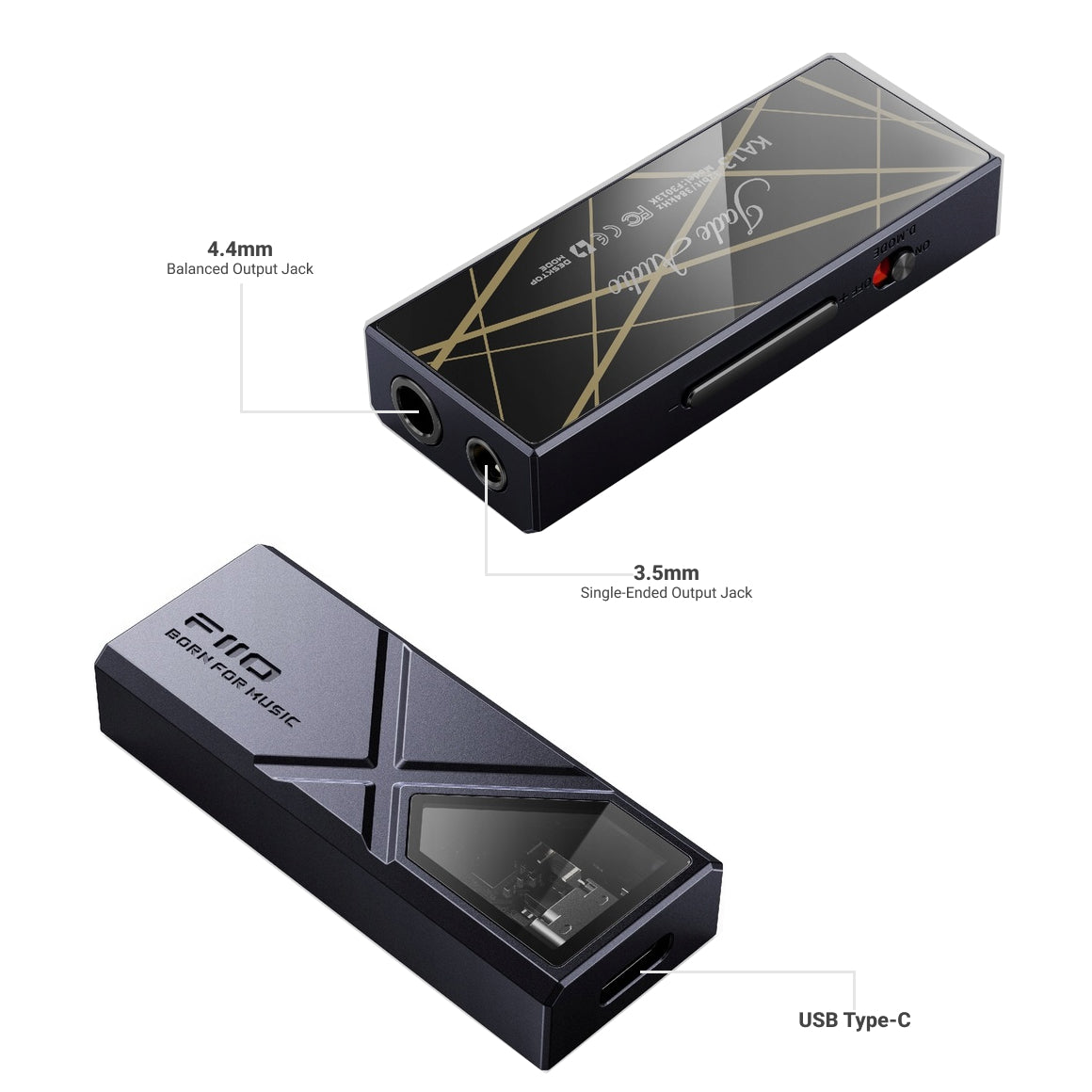
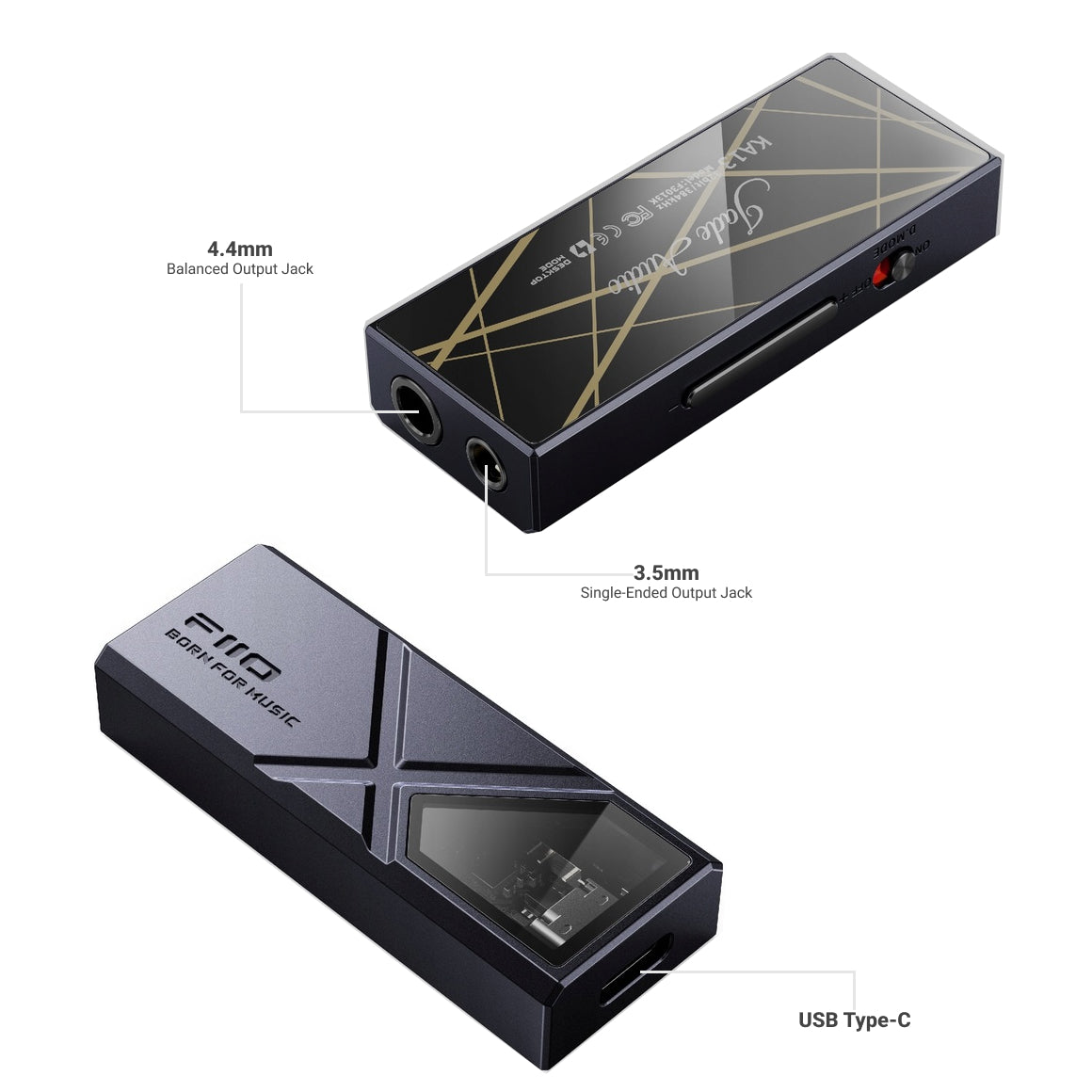
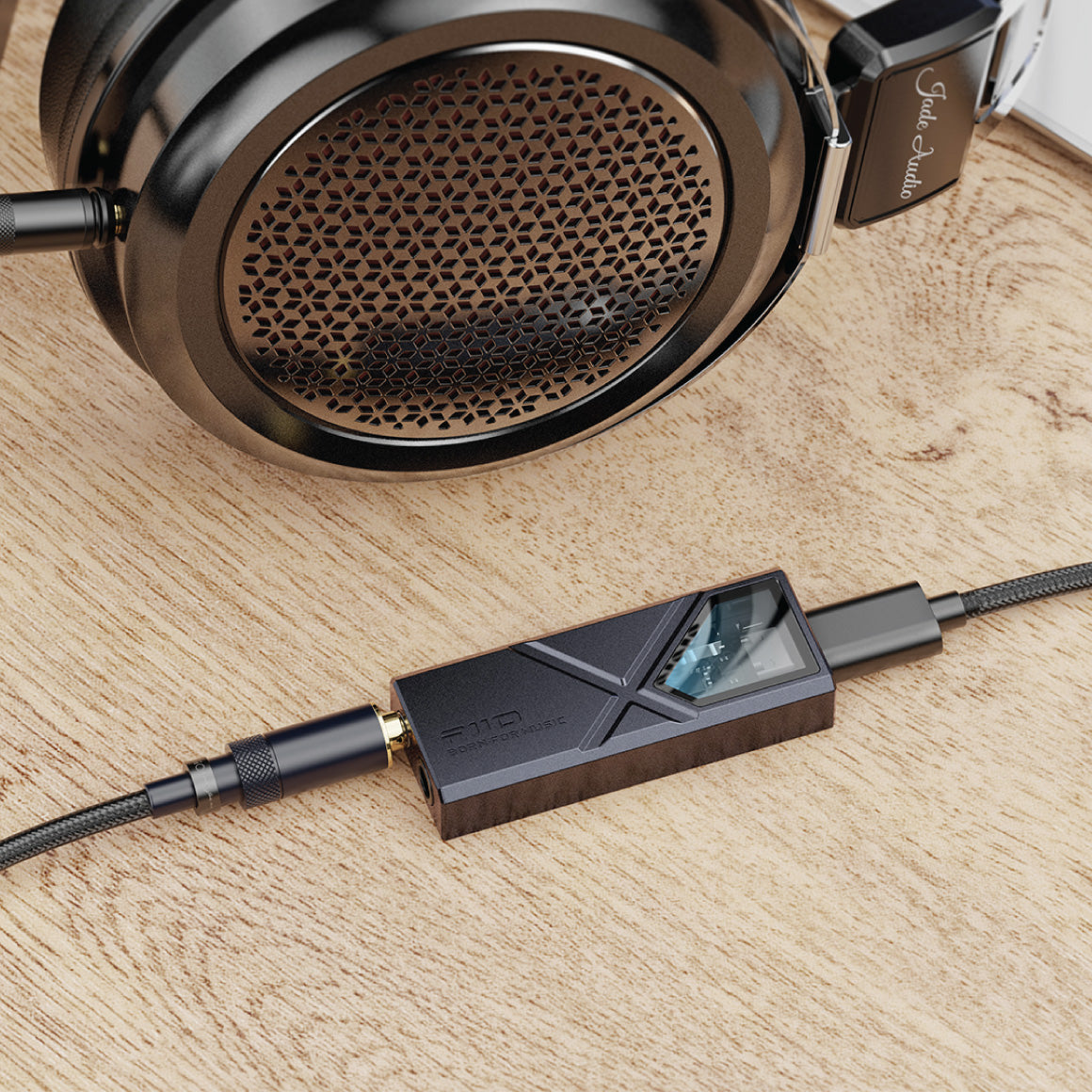
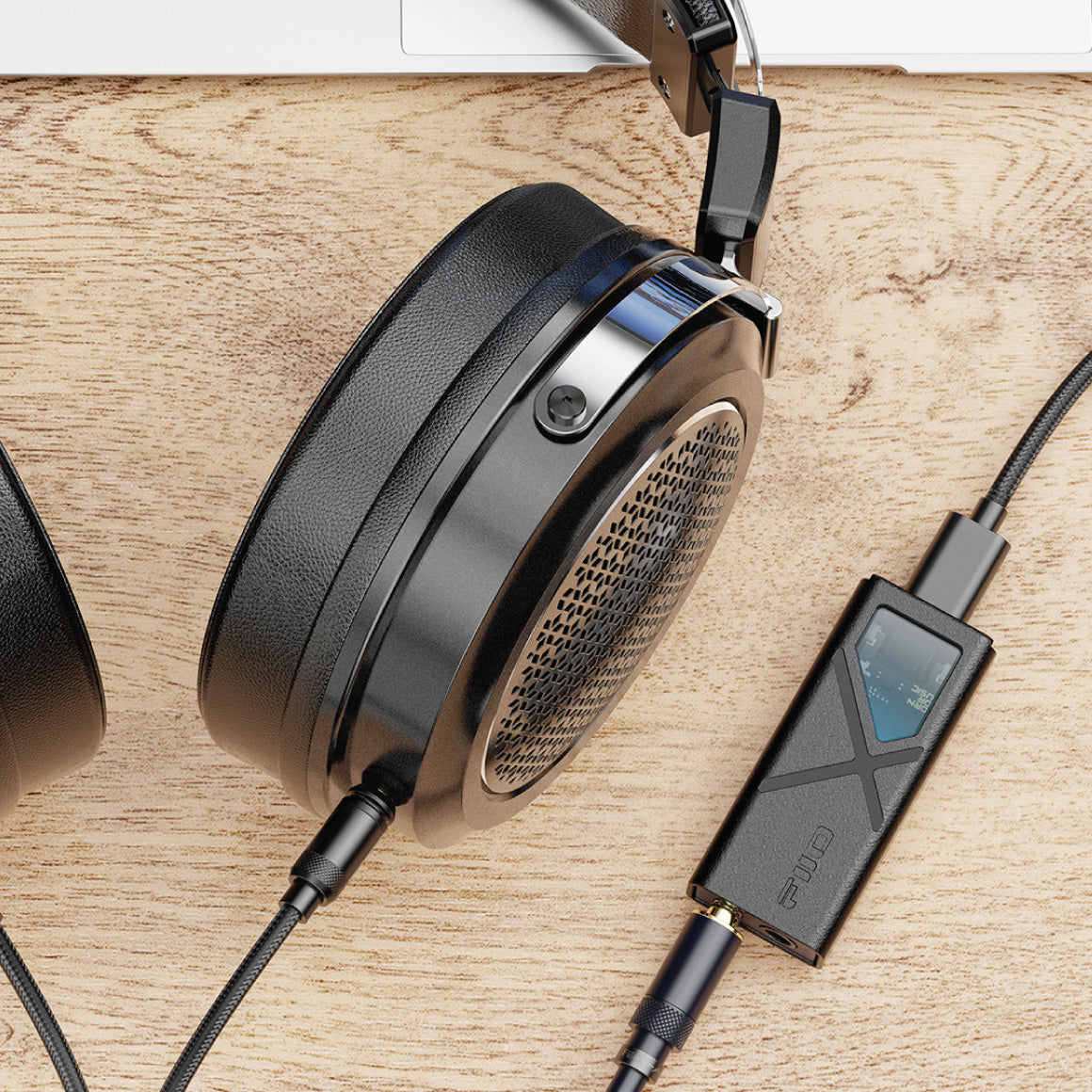
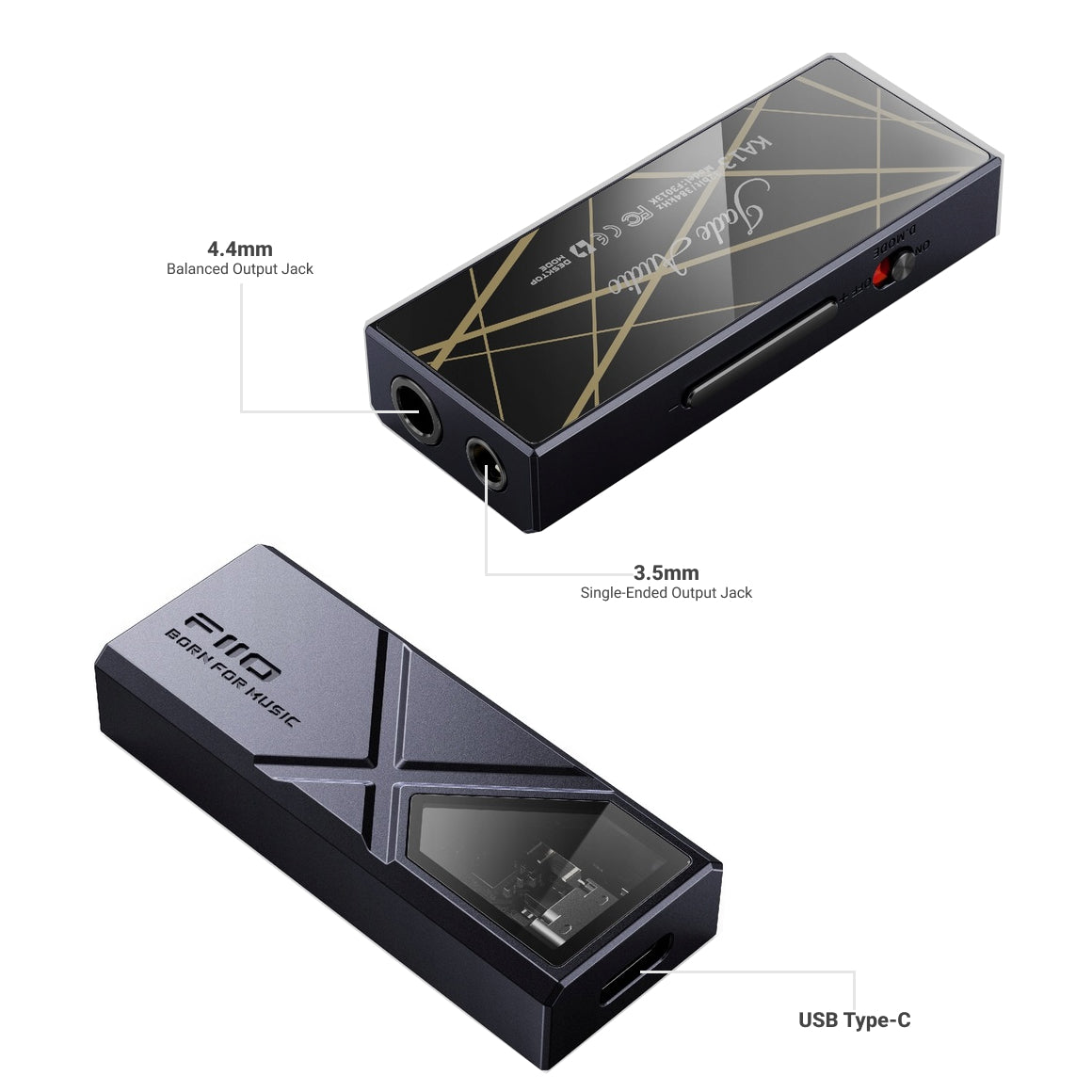
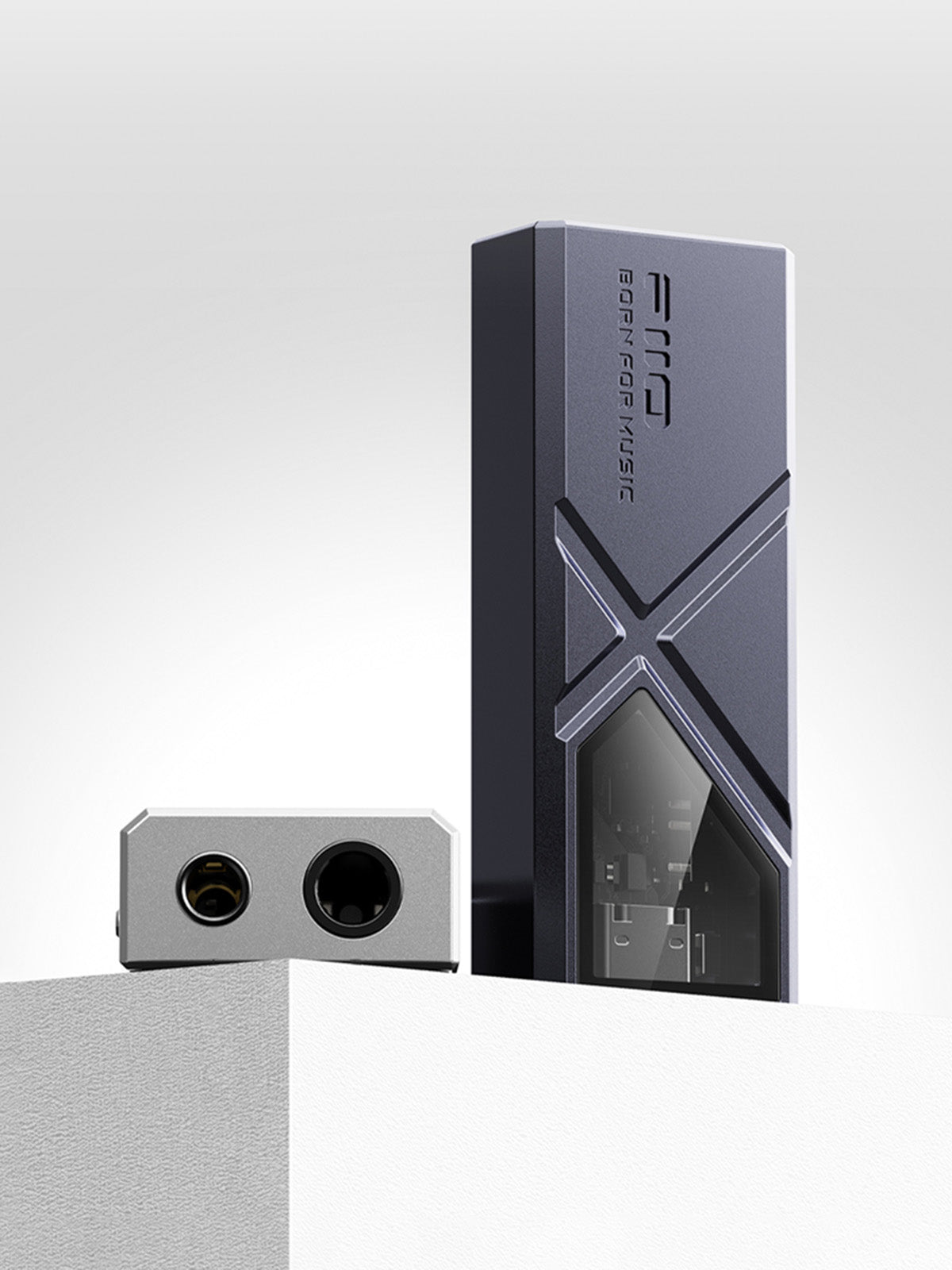
FiiO KA13 offers dual output options, supporting single-ended and balanced headphone connections through 3.5mm and ⚖️ 4.4mm ports, respectively. The 3.5mm output also functions as a coaxial SPDIF output. FiiO's engineers have skilfully designed the compact dongle to accommodate two headphone outputs, showcasing advancements in packaging capabilities.
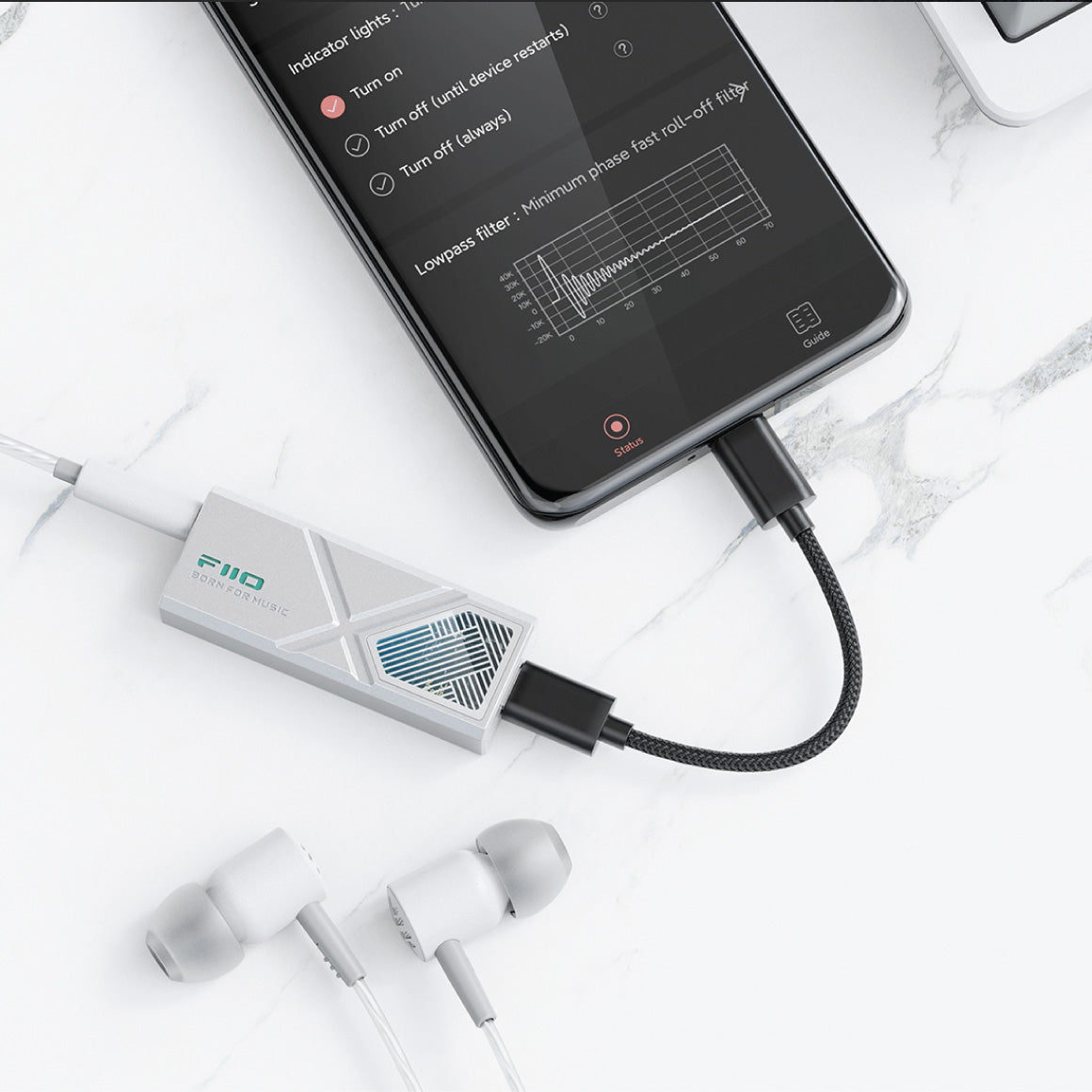
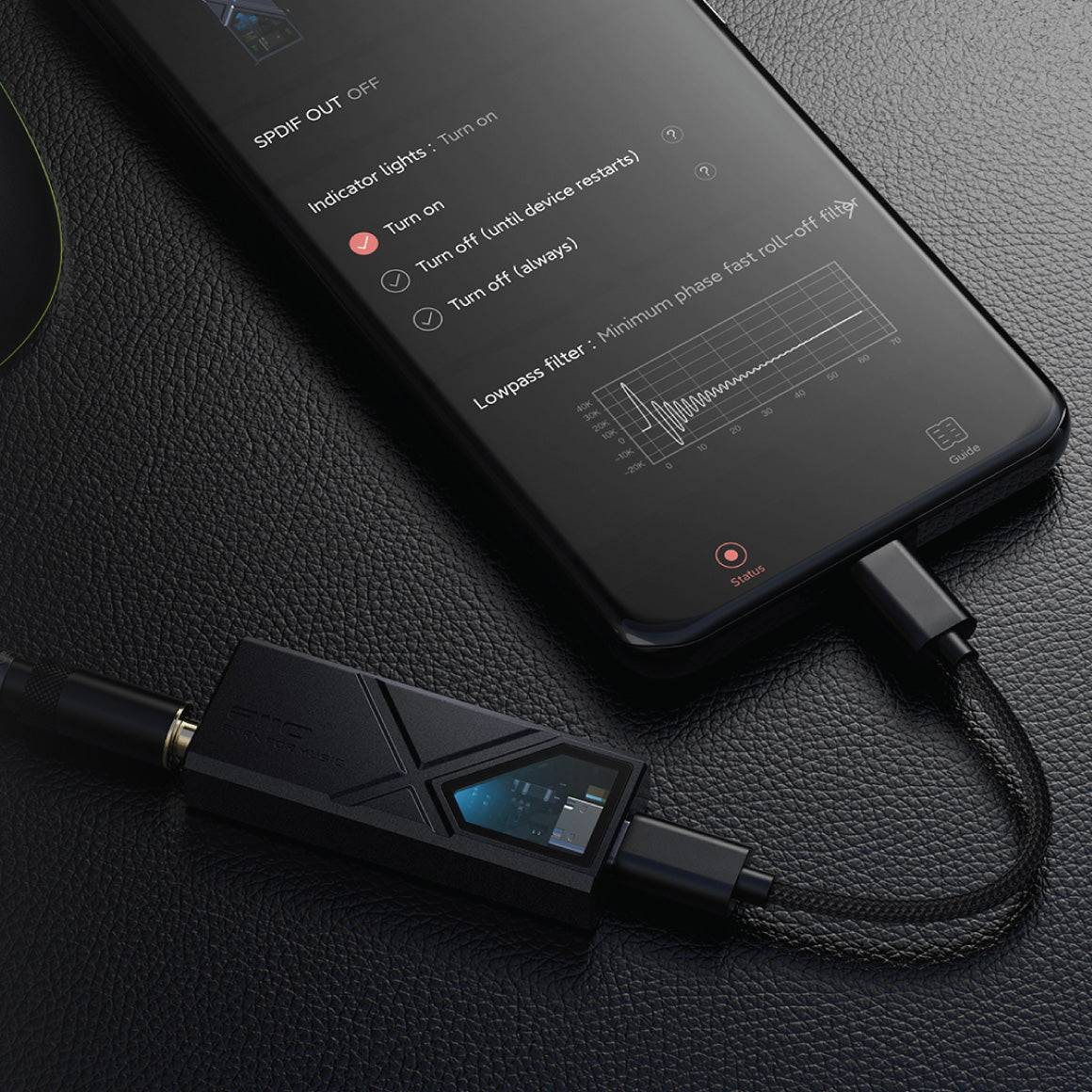
Supported By The FiiO Control App To Access Hi-End Features
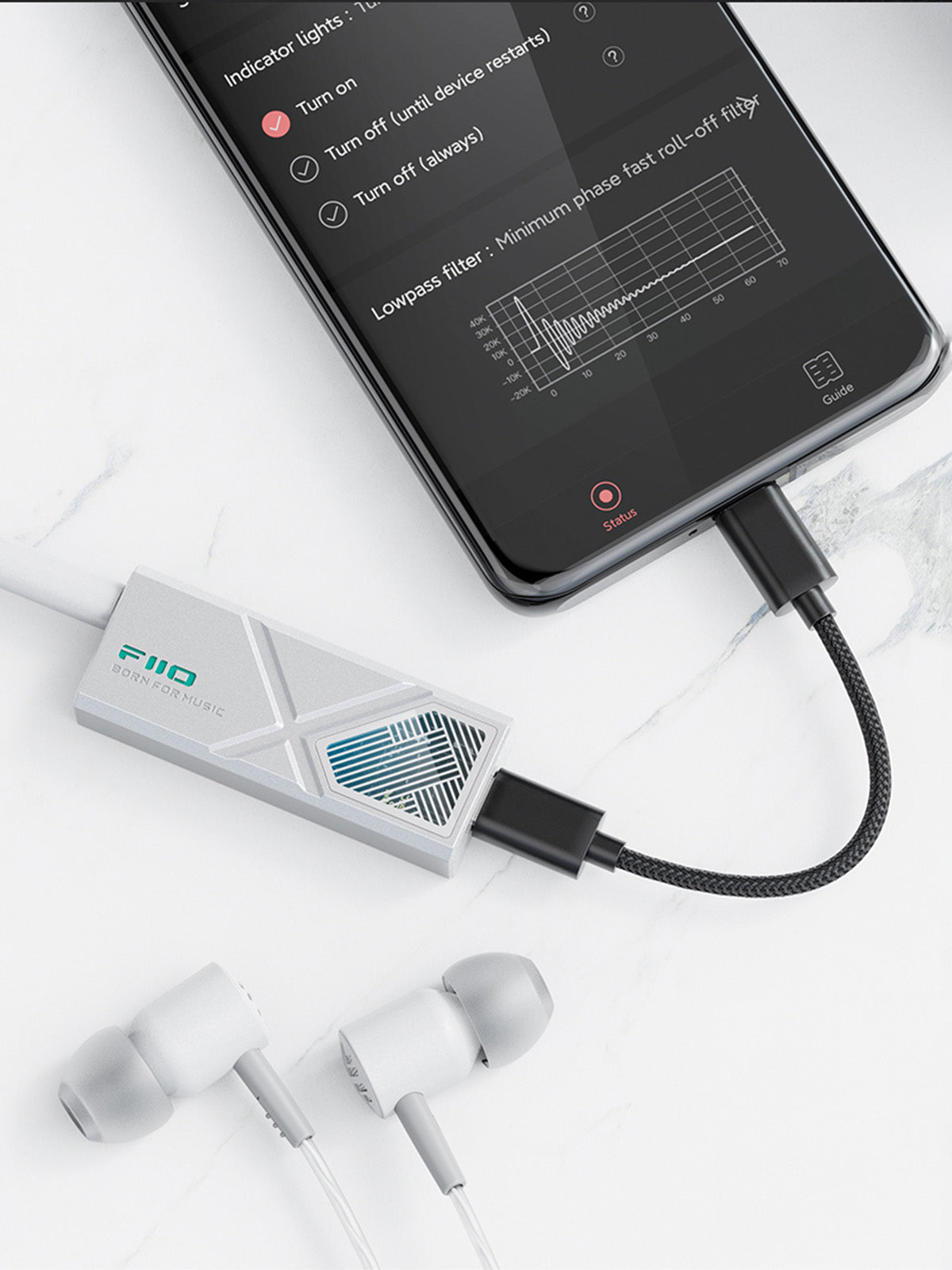
Note: The FiiO Control App's control over KA13 is supported only on Android Devices. To download the app click here.
Comes With Adapter Cable For Seamless Connectivity
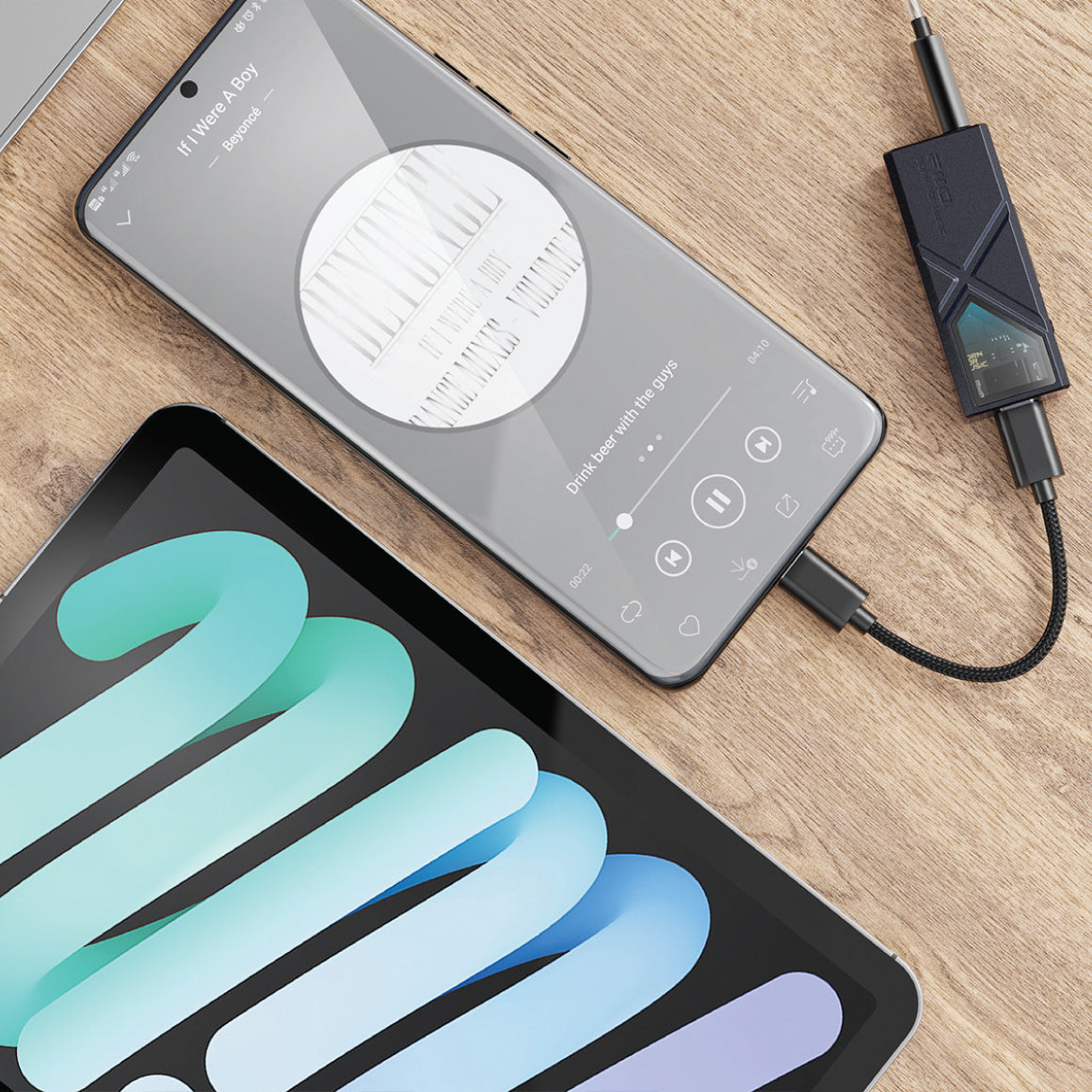
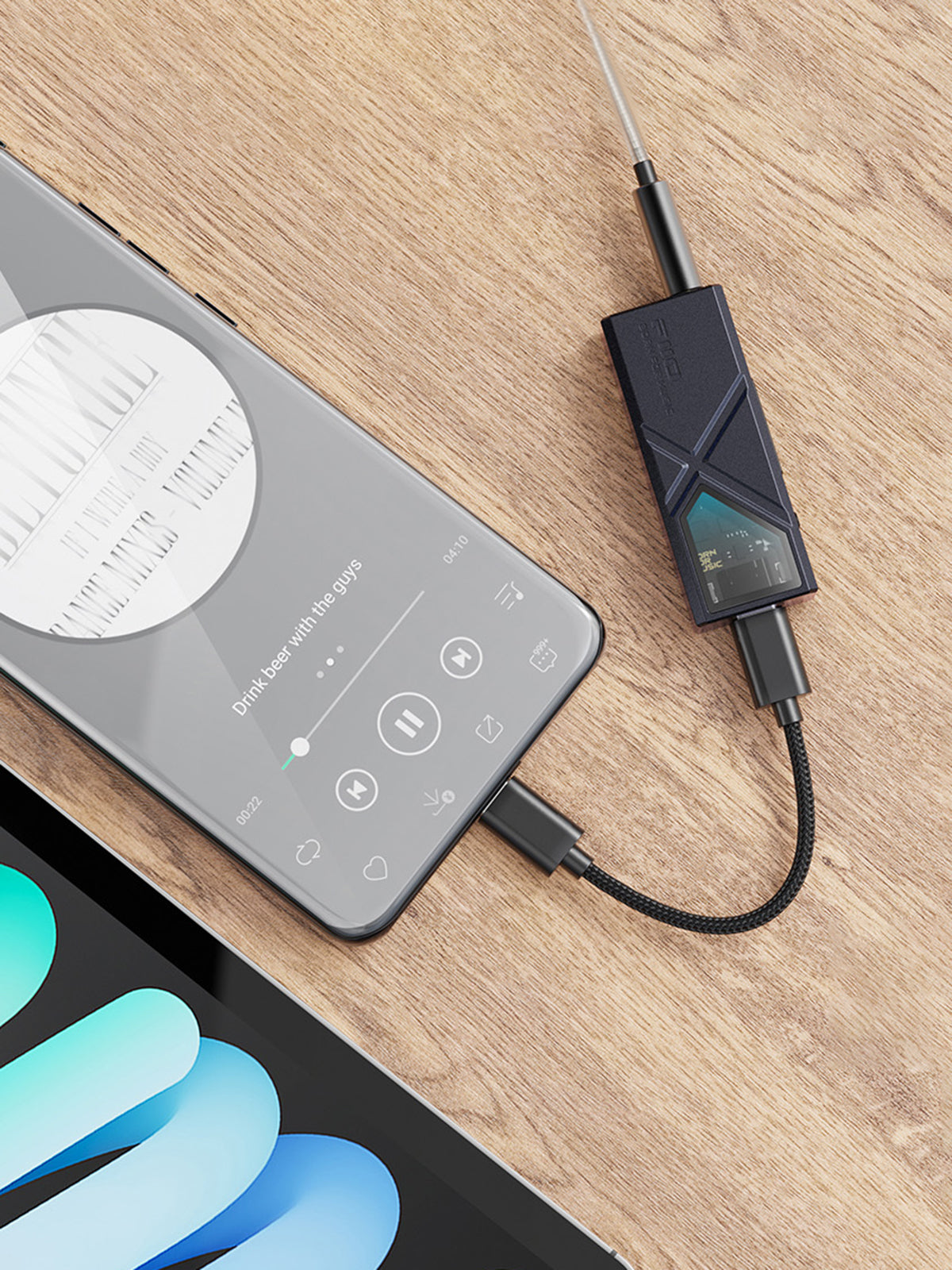
FiiO KA13 comes with adapter cables featuring a detachable design for easy accessibility. It also features a 📱 Type-C and a lightning adapter cable to make it compatible across various devices. The KA13 offers versatility for seamless connectivity across various systems, including Android, iOS, Windows, and Mac devices.
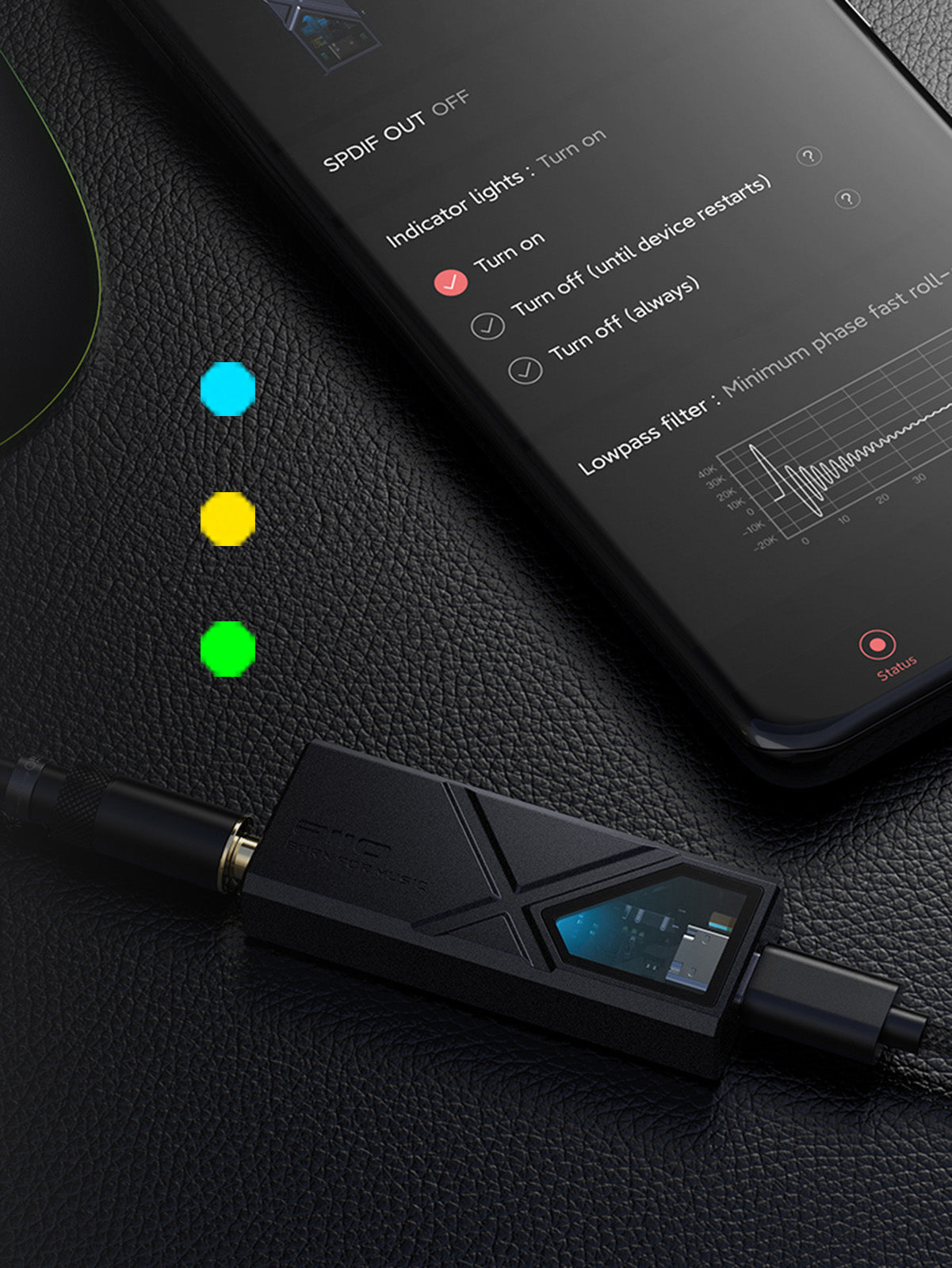
Embeds Dedicated RGB Light For Audio Sampling Rate
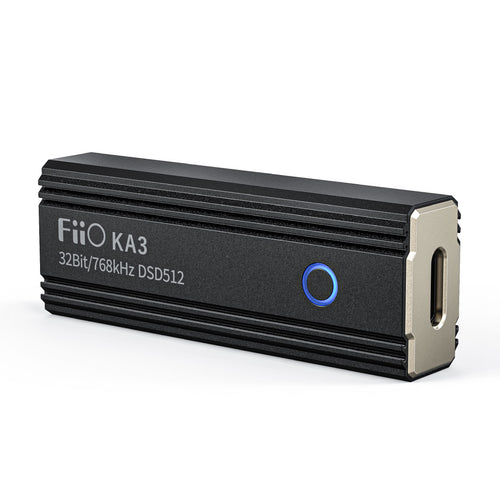
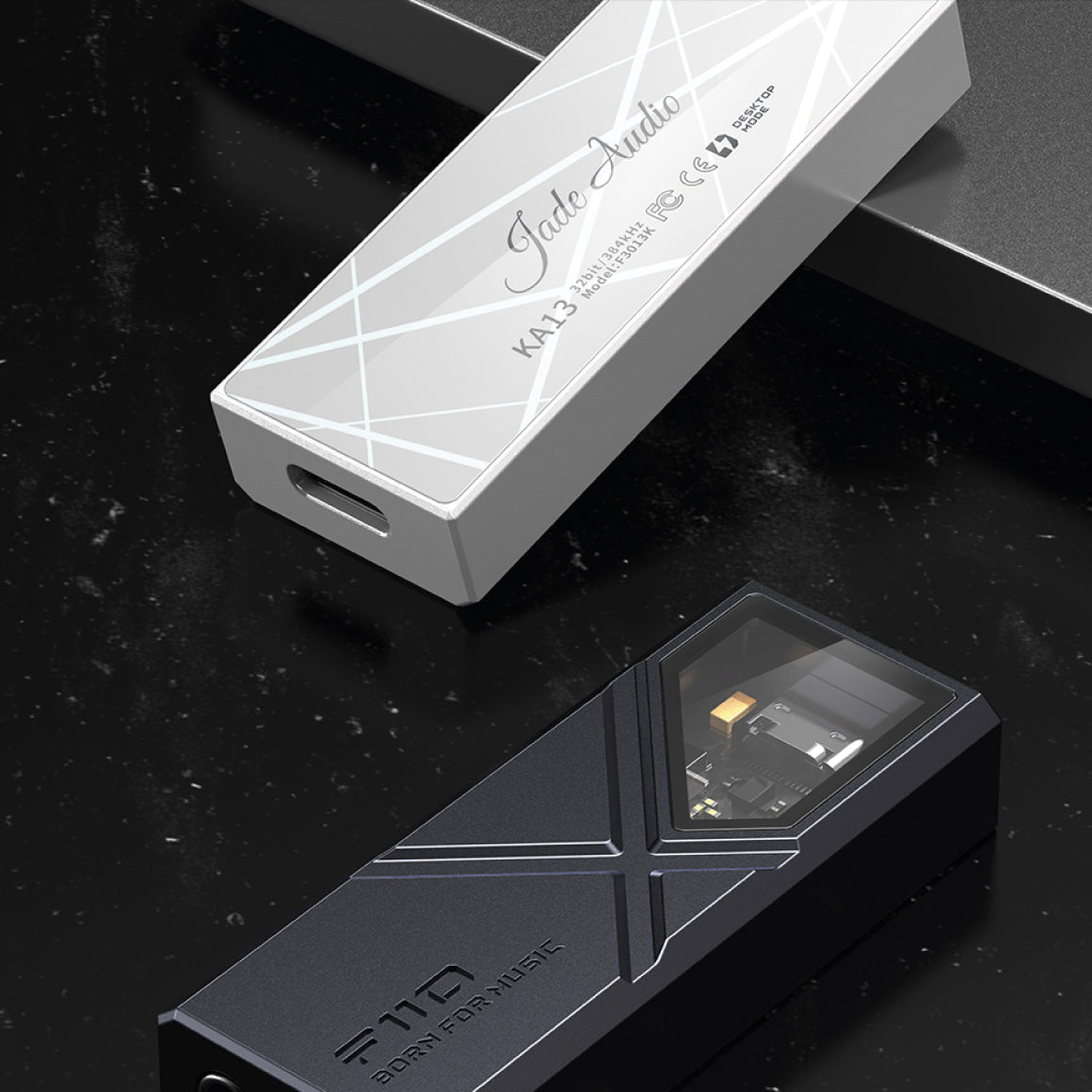
Additionally, the ambient light window provides quick insight into the audio sampling frequency, assuring you of the playback quality. The RGB light indicators include Light Blue for PCM≤48kHz, Yellow for PCM >48kHz, and Green for DSD signals, adding aesthetic appeal and practical functionality.
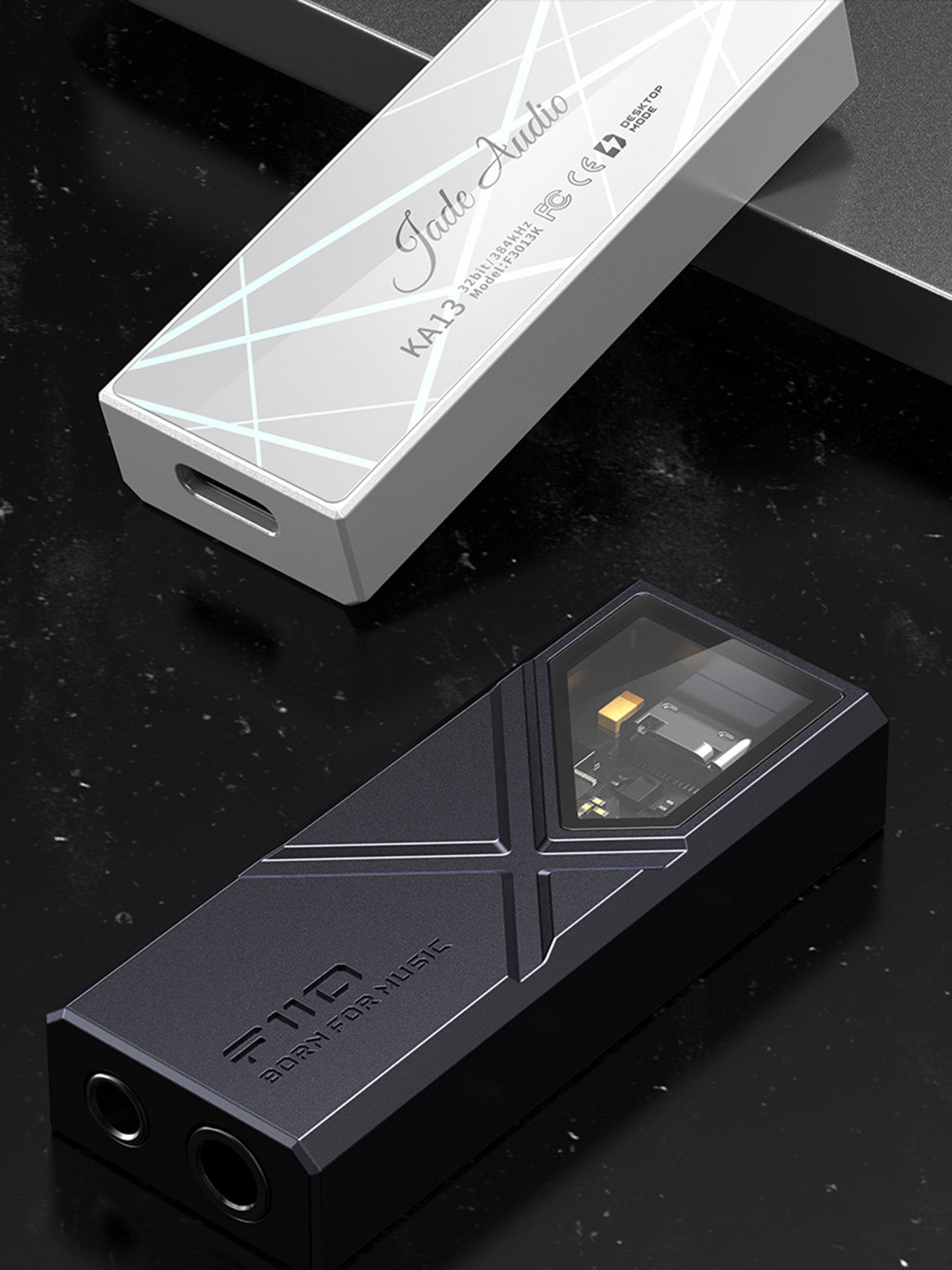
Exquisitely Designed And Available In Two Colors
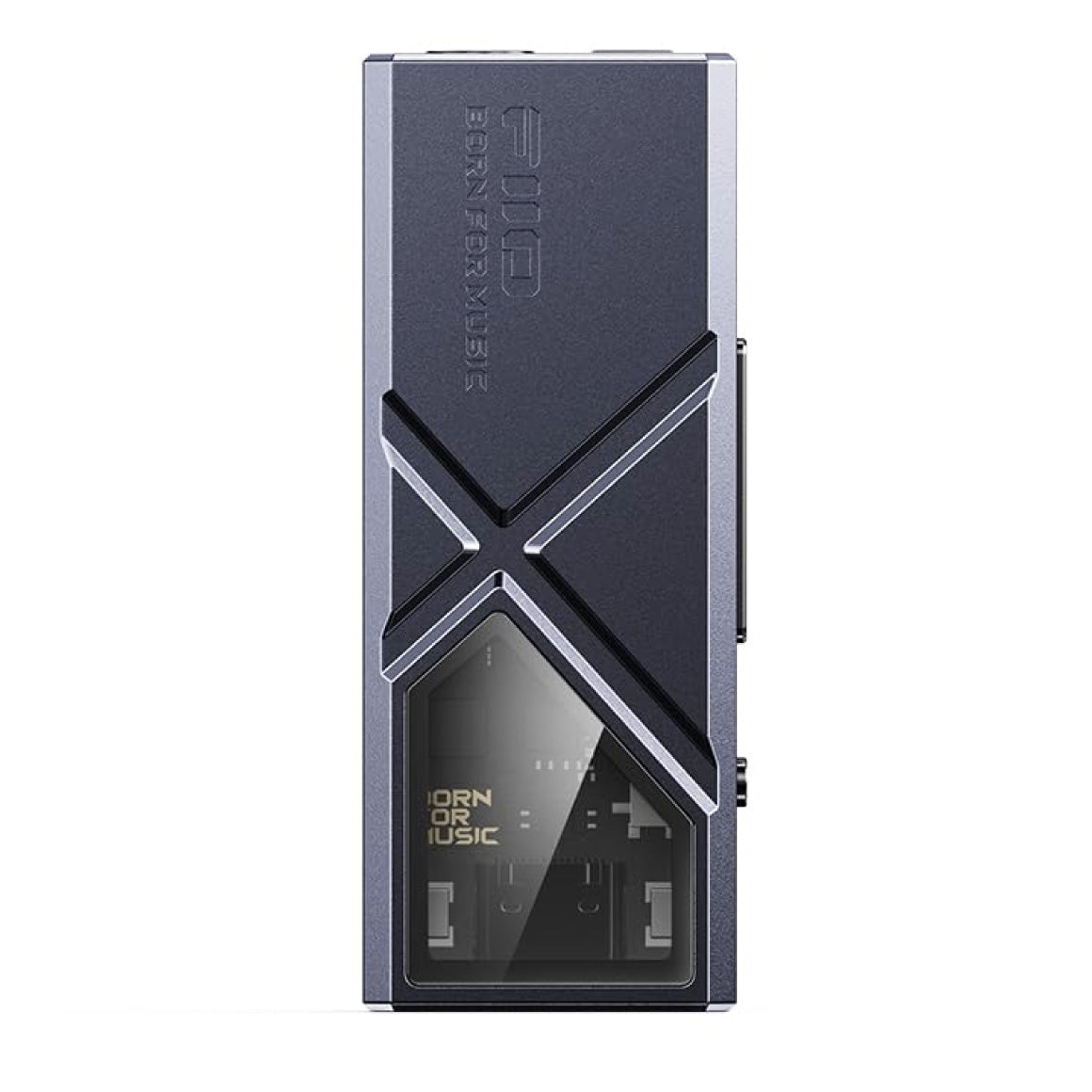
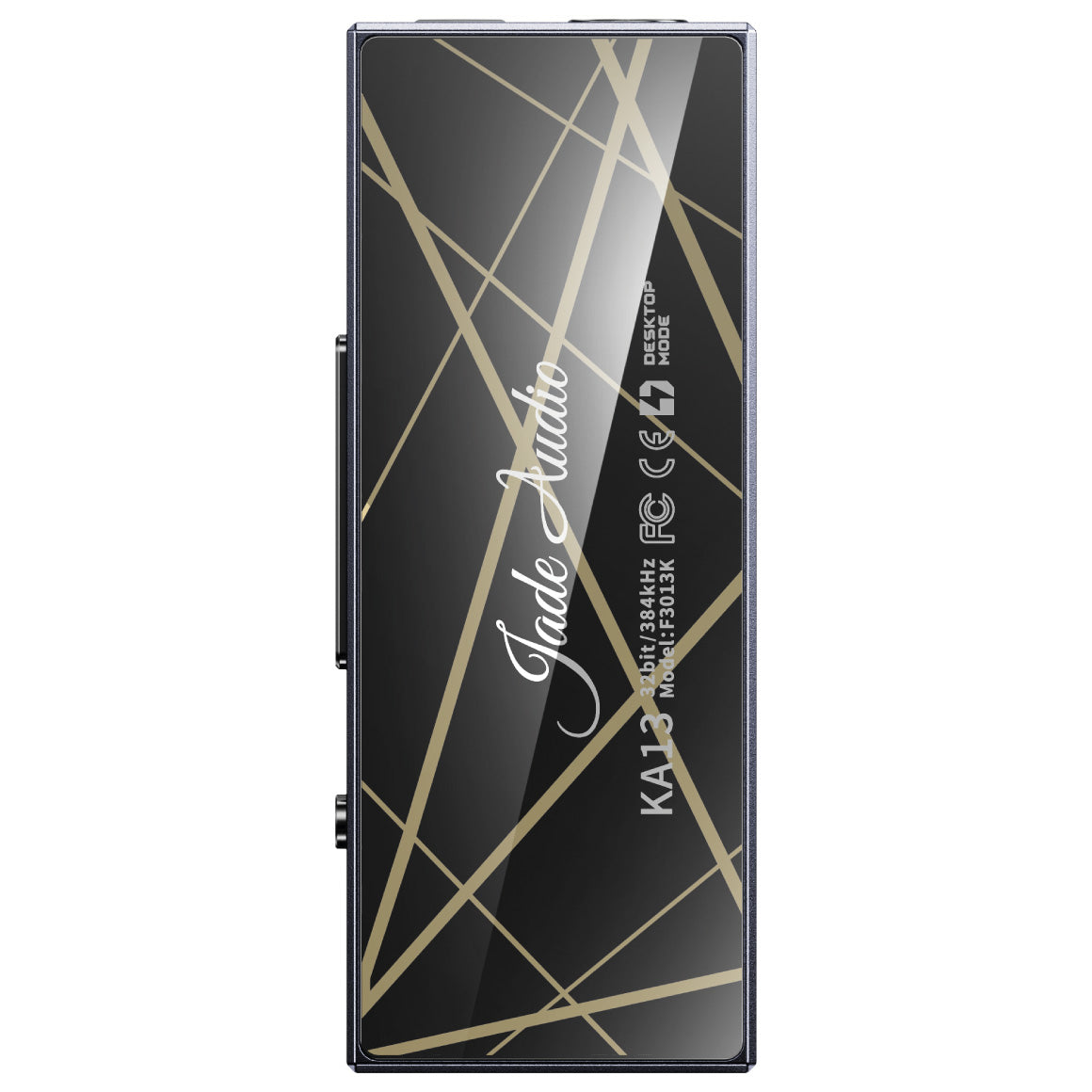
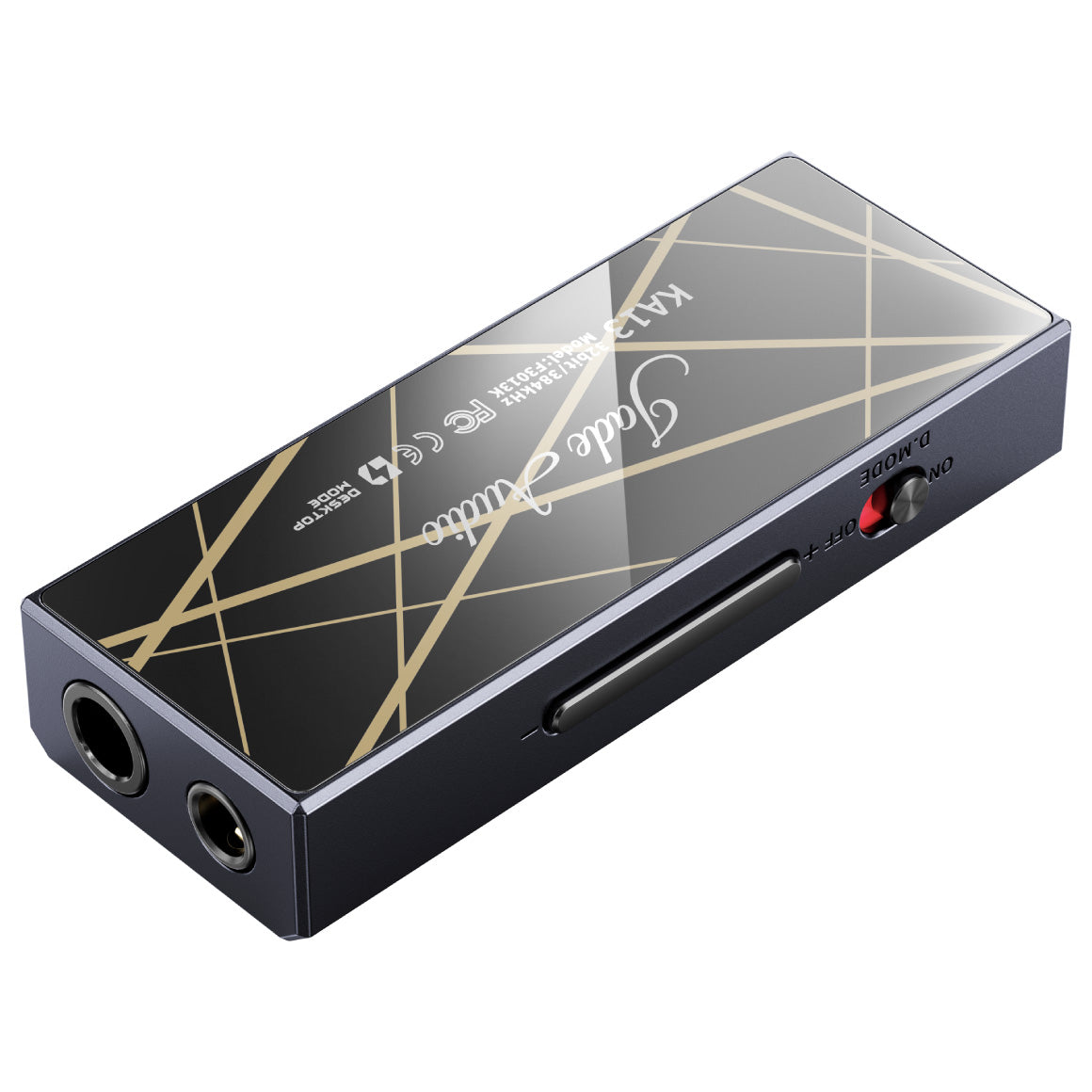
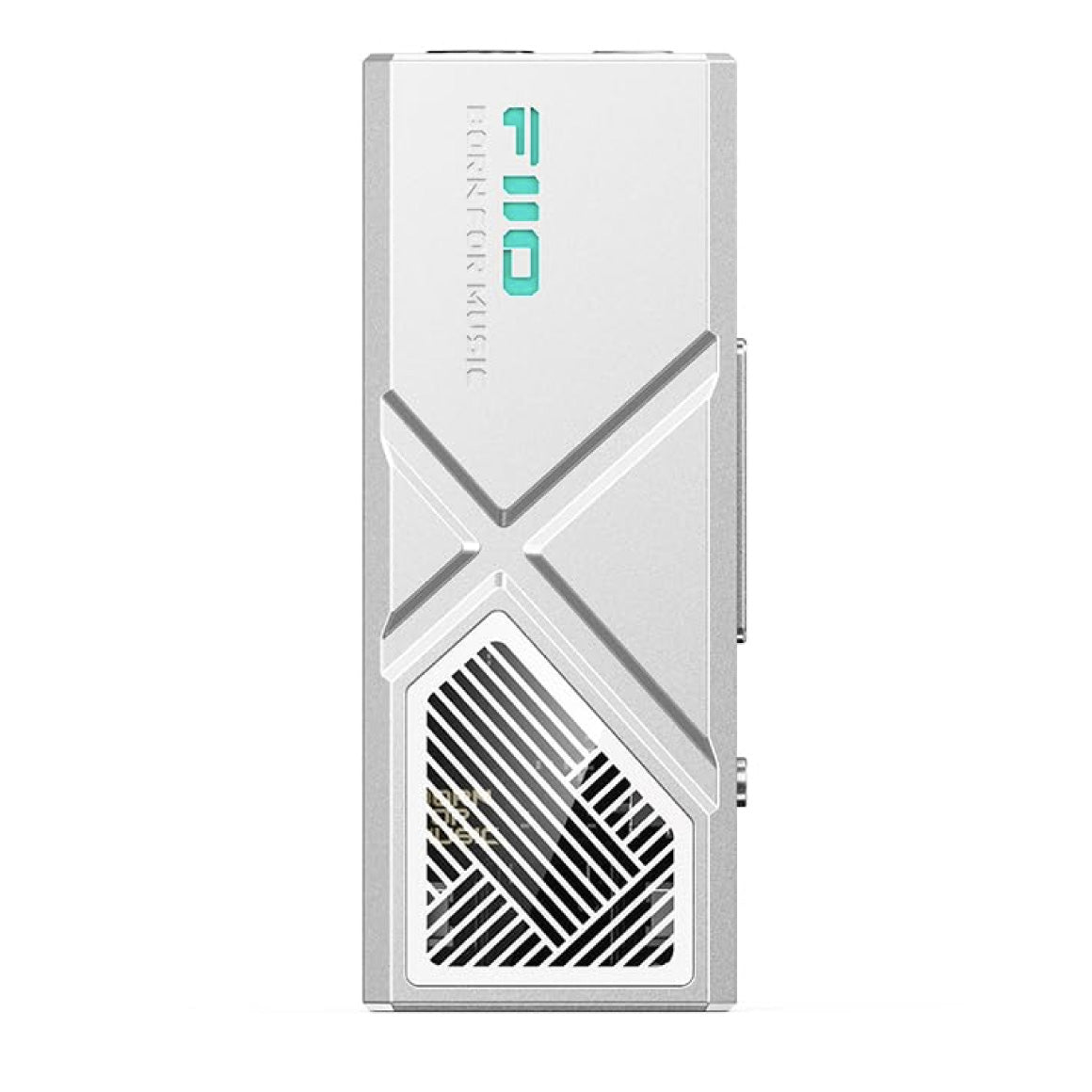
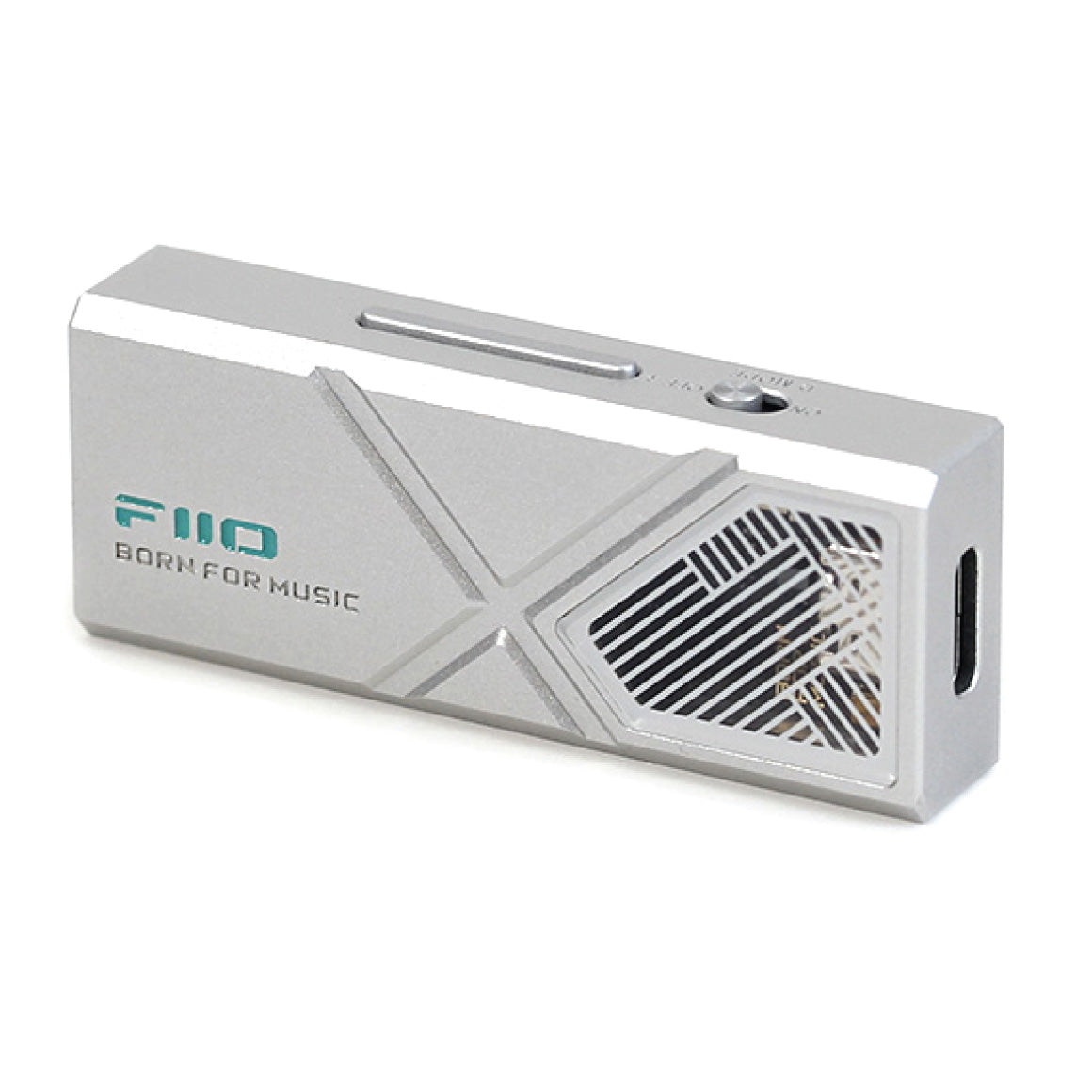
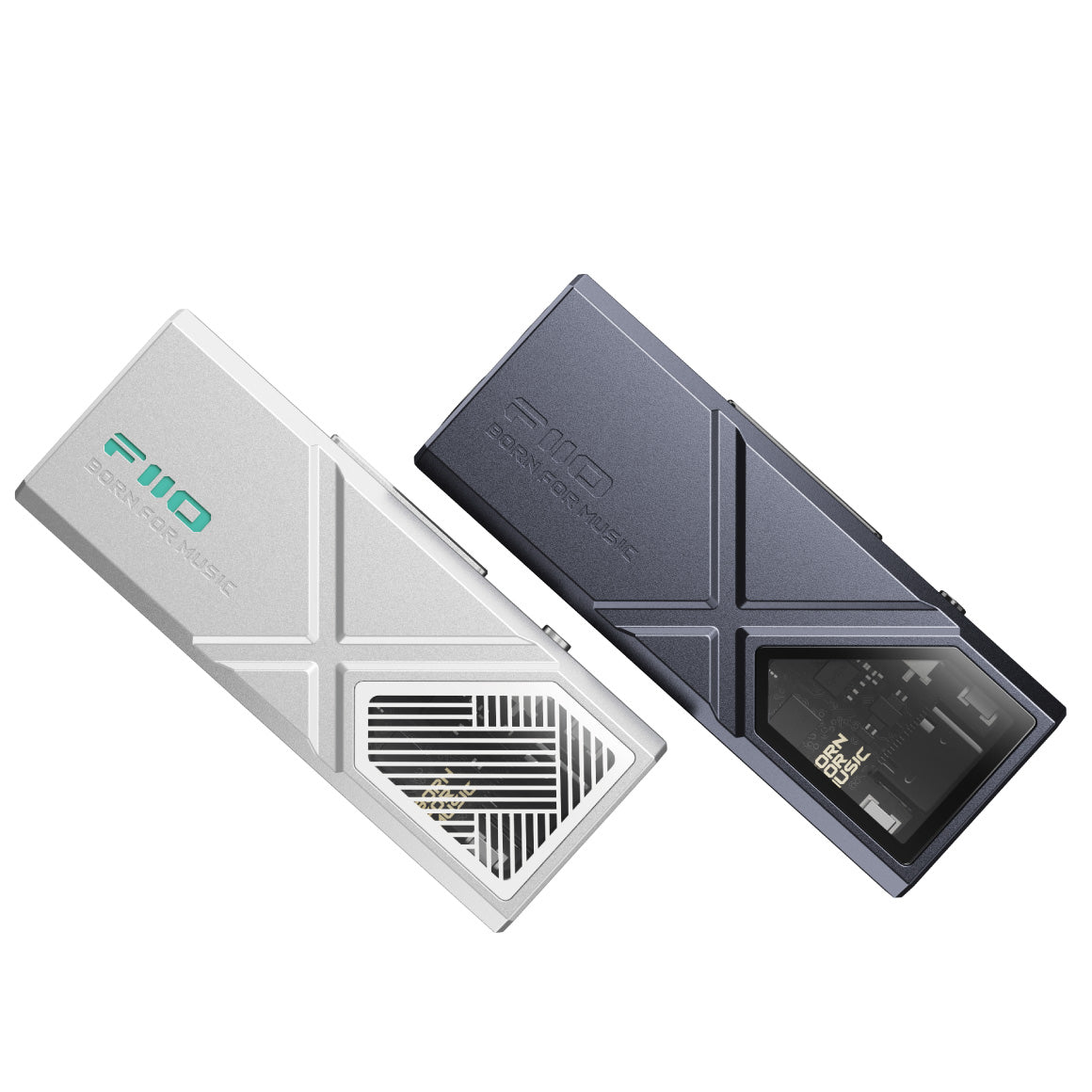
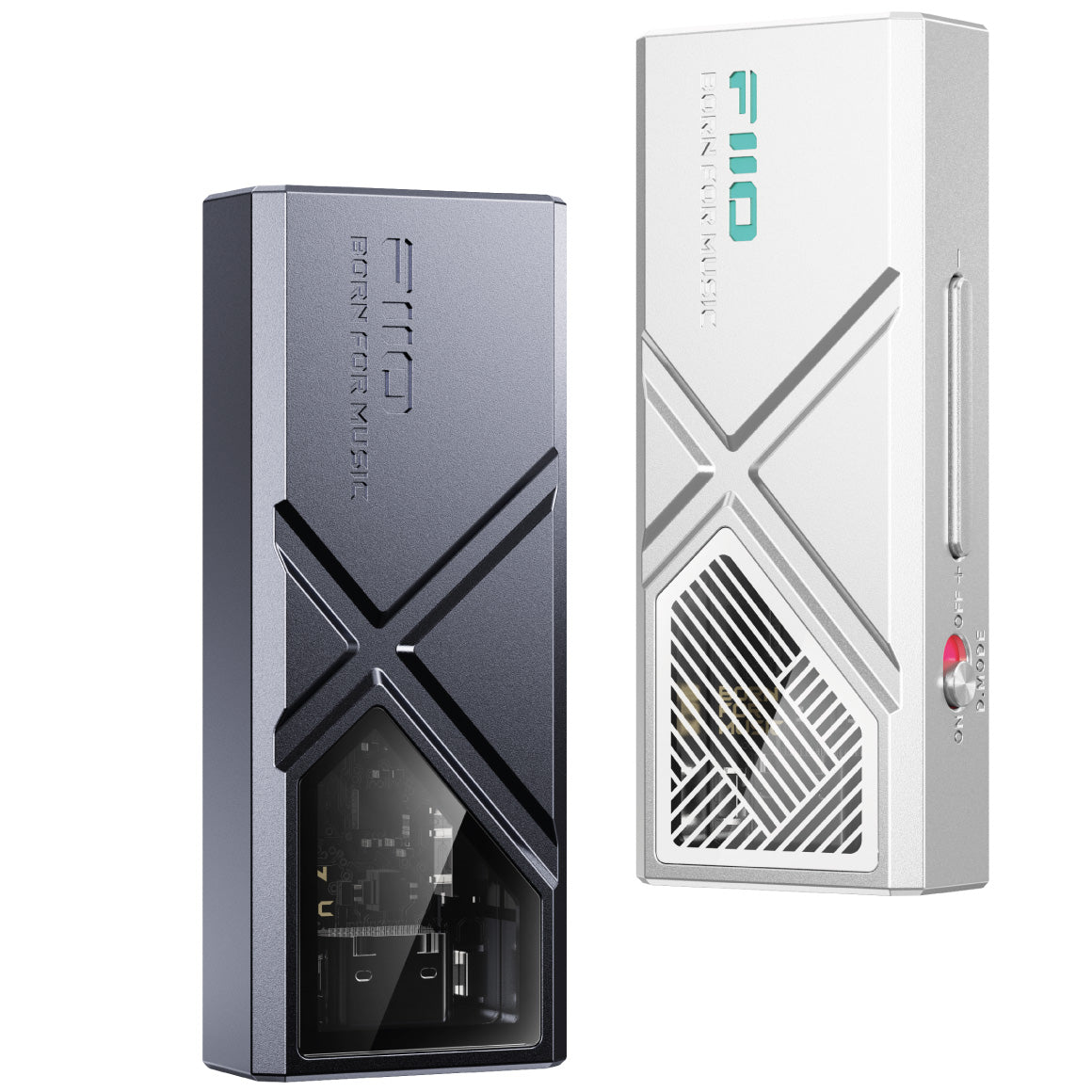
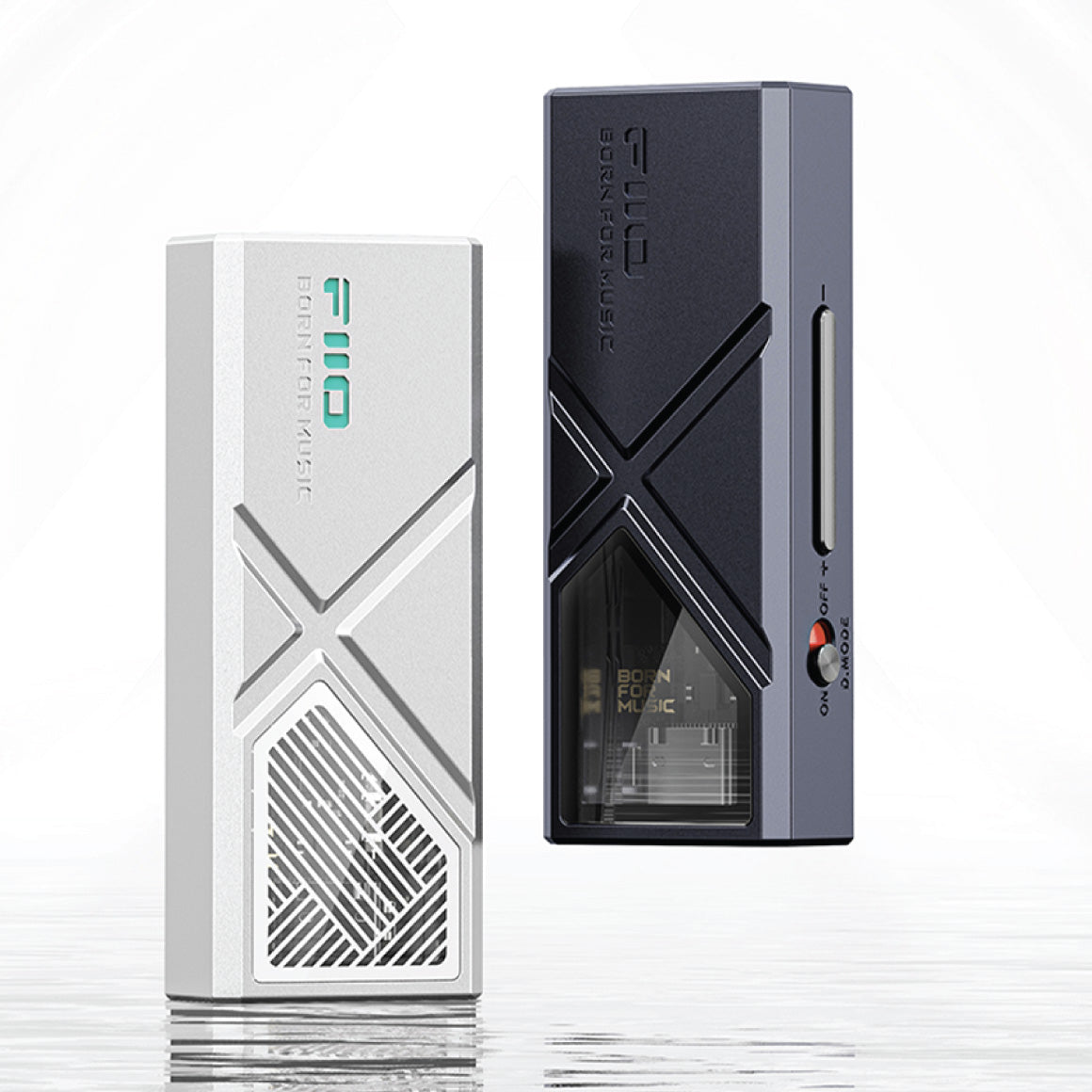
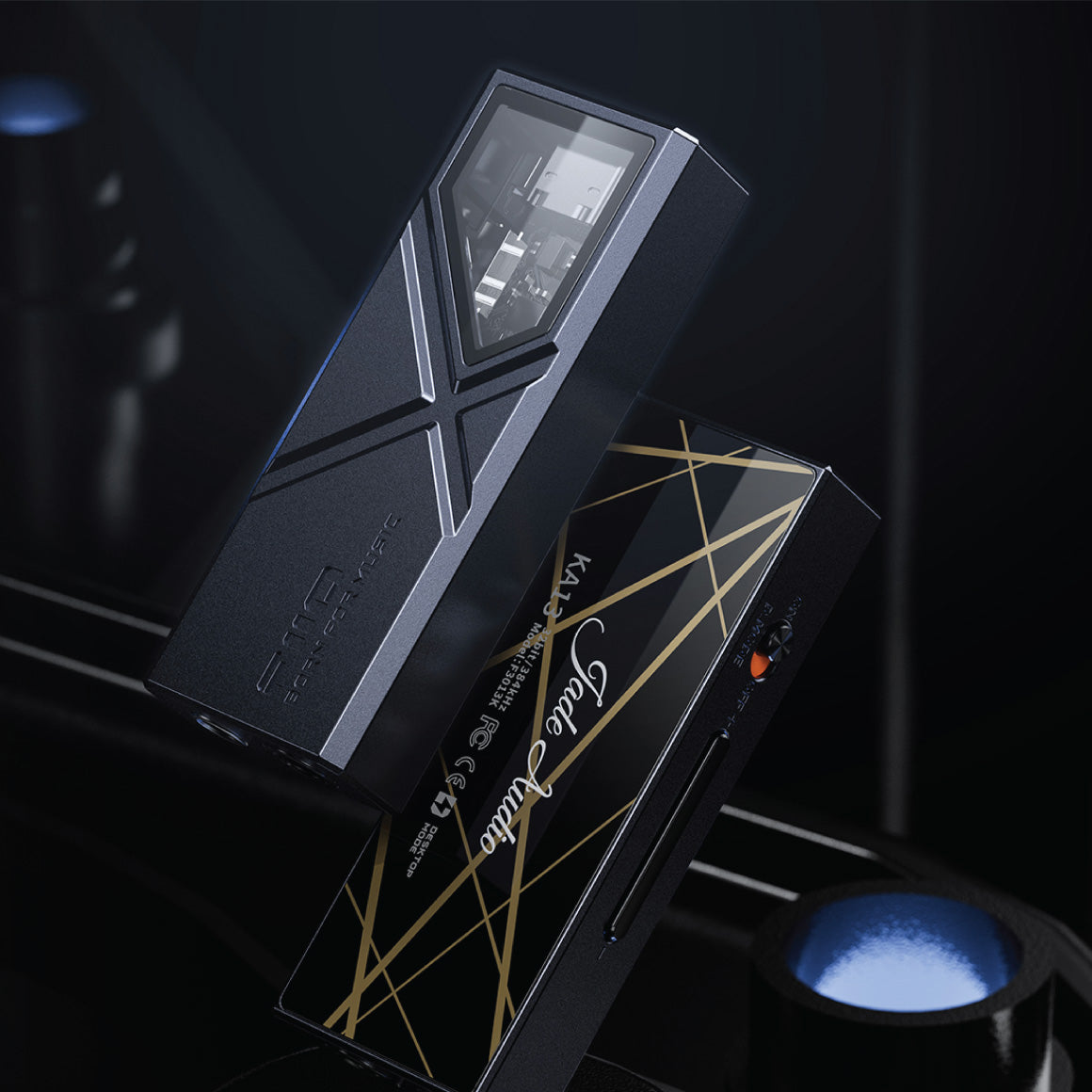
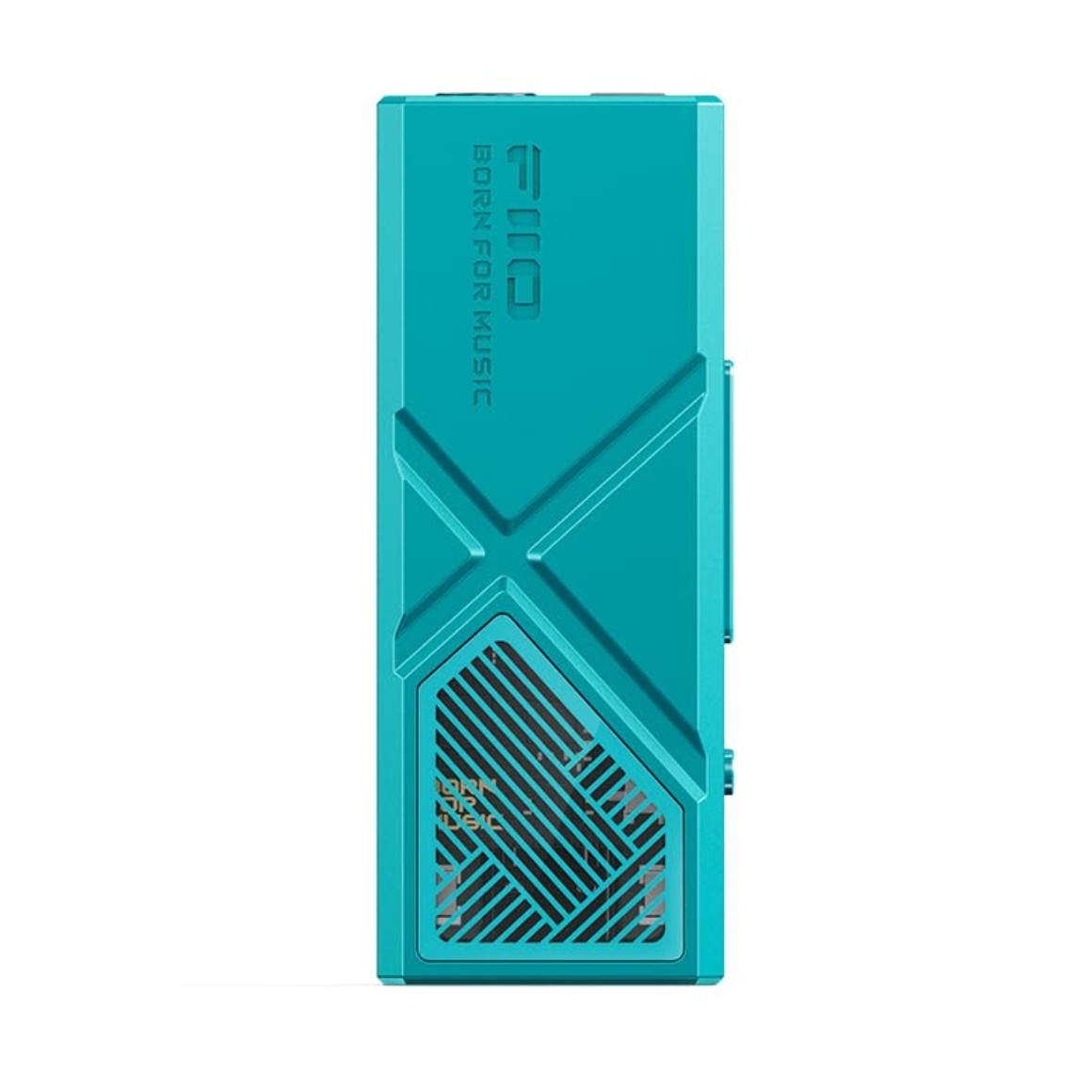
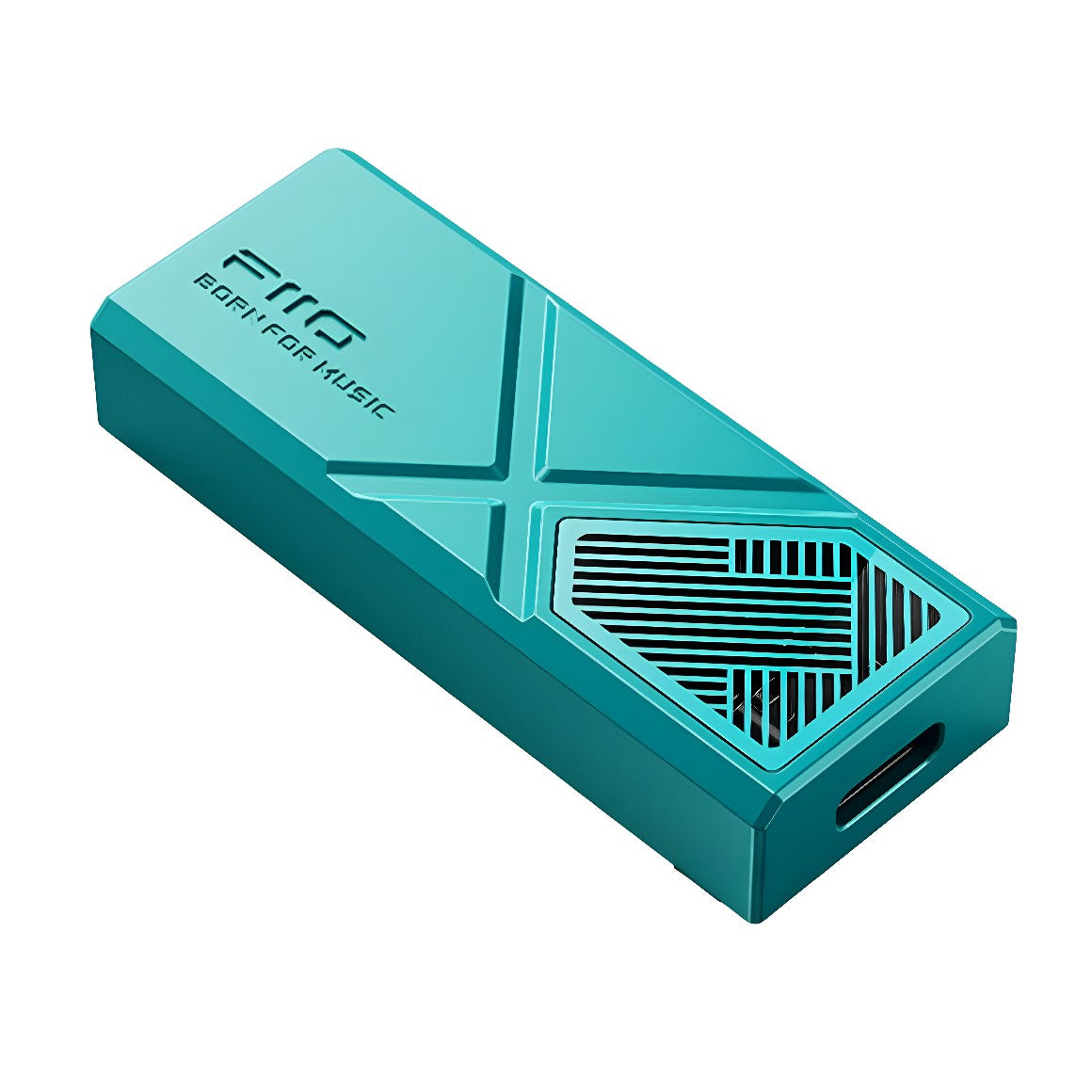
FiiO KA13 boasts a stunning design, featuring a premium metallic chassis and a distinctive ambient glass window. The 🪖 CNC metal body exhibits unique lines on the front and exquisite texture on the rear, creating an aggressive yet futuristic appearance that is soft to the touch for enhanced comfort. It is available in two colours- midnight black and dawn silver to choose from as you prefer.
All You Need To Know About The FiiO KA13
DAC
Cirrus Logic CS43131 * 2
Headphone Output
3.5mm (Single-Ended) 4.4mm (Balanced)
3.5mm Headphone Output
Output Power: L+R>290mW+290mW@16 Ohms(Desktop Mode ON)L+R≥70mW+70mW@160(Desktop Mode OFF)L+R>170mW+170mW@32 Ohms(Desktop Mode ON)L+R>50mW+50mW@32 Ohms(Desktop Mode OFF)L+R>19.5mW+19.5mW@30000(Desktop Mode ON)L+R>5mW+5mW@30000(Desktop Mode OFF)Frequency Response: 20Hz~20kHz, Damping≤0.1dB20Hz~50kHz, Damping≤0.2dBTHD+N: Peak Output Voltage: ≥2.3V (32 Ohms, THD+NOutput Impedance: Crosstalk: ≥72dB (1kHz, 32 Ohms)Noise Floor: 2.5uV&1.7uV”A”SNR: ≥122dB (32 Ohms, A-weighted)
4.4mm Headphone Output
Output Power: L+R>500mW+500mW@16 Ohms(Desktop Mode ON)L+R>260mW+260mW@16 Ohms(Desktop Mode OFF)L+R>550mW+550mW@32 Ohms(Desktop Mode ON)L+R≥170mW+170mW@16 Ohms(Desktop Mode OFF)L+R>78mW+78mW@30000(Desktop Mode ON)L+R>20mW+20mW@160(Desktop Mode OFF)Frequency Response: 20Hz~20kHz, Damping≤0.1dB20Hz~50kHz, Damping≤0.1dBTHD+N: Peak Output Voltage: ≥4.2V (32 Ohms, THD+NOutput Impedance: Crosstalk: ≥110dB (1kHz, 32 Ohms)Noise floor: 4.6uV&3.1uV”A”SNR: ≥122dB (32 Ohms, A-weighted)
Max Supported Sampling Rate
384K/32bitDSD64/128/256384K/32bit (Coaxial)
Buttons and Ports
USB Port: Type-C USBPhysical Button: Adjust Volume, Switch SongsToggle Switch: Desktop Mode Switch3.5mm Plug: Single-Ended/SPDIF Output (Shared)4.4mm Plug: Balanced Output
Adaptive Impedance
PO: 16~150 Ohms BAL: 16~300 Ohms
Firmware Upgrade
System Firmware Can Be Upgraded Via USB
FIIO Control
Supported
Sampling Rate Indication
RGB Ambient Light
Color
Midnight Black / Dawn Silver
Weight
About 19g
Dimensions
About 56.5*22*10.5mm
Box Contents
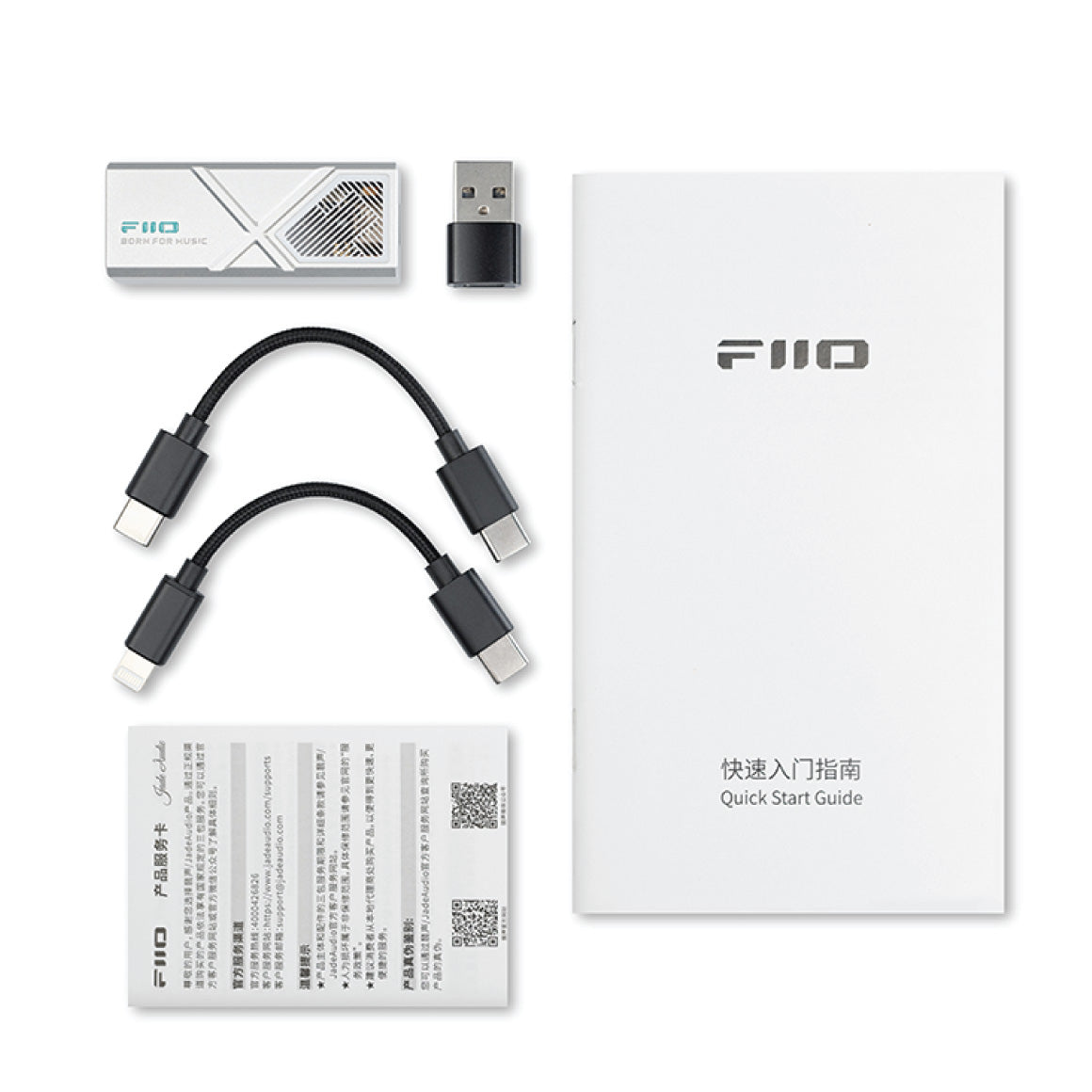
1. FiiO KA13 2. Type-C to Type-C Cable 3. Type-C to Lightning Cable 4. Type-C to USB-A Cable 5. Manual 6. Warranty Card
Have a question? Get in touch!
Check out the most common questions our customers ask. Still have questions? Talk to our Headphone Gurus.

Our customer support is available Monday to Friday: 11am-6pm.
What is the warranty period on the FiiO KA13 and how do I claim warranty?
The warranty period on FiiO KA13 is for 1 year. To read more information click here.
How to control the KA13 via the FiiO Control APP in Android mobile phone?
Connect the KA13 to the Android mobile phone via the USB c to c adapter that comes with the KA13.You could search “FiiO Control” in any application market to download it. Or directly download the APK file: Click here.After adjusting the setting for KA13 in FiiO Control APP, the buttons in KA13 will not work again before FiiO Control APP returns to the homepage. (You could click the return icon in the top left corner for returning to homepage)Note:1.The KA13 could not be controlled via the iOS version FiiO Control APP. But after adjusting the setting in KA13 or in Android FiiO Control, the settings will be saved.2.Please update the FiiO Control APP to latest version first.
How to use the KA13 as a USB DAC for mobile phones?
[Android-based phone/PAD]Use the TypeC-TypeC data cable to connect the KA13 to a mobile phone. So you can directly enjoy high-quality music by playing songs.Notes:1. A compatibility issue may occur to certain Android mobile phones or music players due to system and hardware differences.2. Some mobile phones are required to turn on the OTG function, so as to use the KA13 normally.For detailed settings please consult the support of mobile phones.3. Some mobile phones may show the 'non-certified Type-C digital headphone'notification. You can ignore the message and use it normally.【iPhone/iPad】Use the Lightning-TypeC OTG adapter to connect the KA13 to an iPhone/iPad/iPod. So you can directly enjoy high-quality music by playing songs.Notes:1.Only supports iOS10.0.2 and above. Apple devices below this version cannot be supported because of the iOS itself.2.Since there are limitations for iPhone to power the external USB device, the KA13 with high output power may have stuttering or no sound problems at extreme volume.About the Exclusive USB Audio Access ModeDue to system and hardware differences of certain Android mobile phones, there may be some permission conflicts and compatibility issues when they are working in the Exclusive USB Audio Access Mode. Here are some situations we have noticed.1.For some mobile phones with no physical volume buttons (such as the HUAWEI Mate30 Pro), in the FiiO Music app USB Audio Access Mode, you can adjust the volume by sliding on the current playback page to bring up the volume bar.2.For some mobile phones, third-party apps are forbidden in the background by default in their power management policies. This will cause a stop on the playback after a few seconds when the music app is working in the Exclusive USB Audio Access Mode. If it happens, please set the app to stay working while asleep in the battery management setting of the mobile phone.3.When the music app is working under the Exclusive USB Audio Access Mode, the sound may be stuttered or paused when operating other apps. We are working on this issue. It is suggested to focus on listening to music when using the Exclusive USB Audio Access Mode, or disable the Exclusive USB Audio Access Mode when listening to music.
How to use the KA13 as a USB DAC for computers?
[Windows PC]1.It runs drive-free in Windows 10 and above systems.2.Install the FiiO USB DAC driver. It supports ASIO output for further DSD256. Please click the link here to download the driver: Click here.3.On the menu of settings - audio output device of the playback software, select 'FiiO KA13' and then connect the KA13 to the headphones to listen to music.DSD track playback settings: Click here.[MAC computer]MAC systems do not need a driver. If connecting to a Type-C port of the computer, use a Type-C to Type-C cable for direct connection. If connecting to a USB-A port, use a USB-A to Type-C cable for connection. Please select 'FiiO KA13' as the audio output device on the computer.[Linux PC]Linux system also runs drive-free. Theoretically, connecting the KA13 directly to a Linux computer would work. But since there are too many versions, we cannot guarantee all systems are compatible. So, if the connection fails, it is suggested to change the data cable or USB port to troubleshoot the problem. Otherwise, the failed recognition means nonsupport.Music stutters on some Windows computers due to the driver(1) It is due to the different power management policies of some computers.Please go to the settings menu of Control panel->Hardware and Sound->Power options to disable the 'USB selective suspend setting' and then restart the computer.(2) If the problem still exists, please go to the Power options->PCI Express and turn off Link State Power management.(3) If it still can't be solved, please choose the driver-less mode. Uninstall the DAC driver and ASIO, and then choose the KA13 as the output device.
How to update the firmware for KA13?
KA13 Firmware V0.21 download link: click here Note: Before upgrading the firmware for KA13, please unplug other decoders from the USB interface on the computer! 1. Install the Windows driver: click here. 2. Connect the earphone to KA13, and connect KA13 to the Windows computer. 3. Double-click "FIIO_FIIO KA13_V0.15" to open the burning tool and modify the corresponding Vendor ID and Product ID. The Vendor ID is 2972 and the Product ID is 0062. 4. Click "Write EEPROM" to burn the firmware. When the following pop-up window appears, re-plug and unplug the USB interface of KA13 (power on again), and then click "确定". 5. When "Write to EEPROM OK!" appears, the firmware is burned successfully.
How to enable the desktop mode in KA13? When should I enable it?
When the D.MODE is toggled to ON, the desktop mode is on. The output power and gain of KA13 could be higher. It is recommended to drive high-impedance headphones or the device which is hard to be driven.When the D.MODE is toggled to OFF, the desktop mode is off. The KA13 is used for daily music enjoying and driving the low-impedance headphones.
You May Also Like
Product Title